Best Free Group Randomizers: Split Any List Into Fair Groups
The best free group randomizers take a list of names and split it into balanced, random groups in seconds — no cost, no login, no fuss. The top pick is a simple random team picker: paste your list, choose how many groups you want, and everyone lands in a fair group with one click. Below we compare the strongest free options so you can grab the right one for your class, party, team, or meeting.
Just want to split your list? Open the free group randomizer, paste your names, set your groups, and shuffle. No sign-up, no download, works on any device in seconds.

What Makes a Group Randomizer Actually Good
"Free" is easy to find. "Free and good" is what you want. Here's what separates a great group randomizer from a frustrating one.
- Truly random and fair. It should shuffle the whole list so groups feel neutral and no one can claim it was rigged.
- Even group sizes. Ask for four groups and get four balanced ones — not one crowded group and one nearly empty.
- No sign-up. The best tools work instantly with no account, no email, no paywall waiting behind a "free trial."
- Simple to use. Paste, choose, shuffle. If it needs a tutorial, it's too complicated.
- Works anywhere. Any browser, any device — phone, tablet, or computer.
- Reshuffle in a click. Handy when a group needs a quick redo.
- Handles odd numbers. Real lists rarely divide evenly, so the tool should spread extras sensibly.
Keep this checklist in mind as we compare the options.
The Best Free Group Randomizers Compared
Here's how the main free approaches stack up.
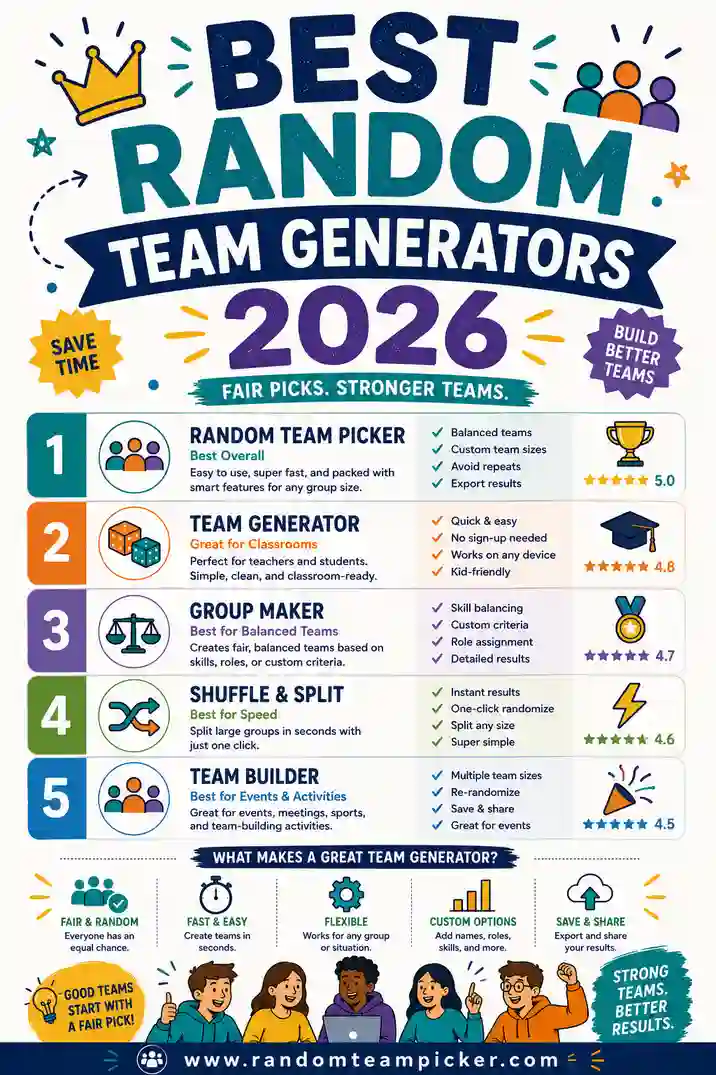
| Tool | Cost | Login | Even groups | Best for |
|---|---|---|---|---|
| Random Team Picker | Free | No | Yes, automatic | Fast fair groups, any size |
| Name picker wheel | Free | No | One name at a time | Single picks, not groups |
| Spreadsheet shuffle | Free | No | Manual setup | Data-lovers, saved lists |
| Random number method | Free | No | Manual sorting | Very small groups |
| Slips in a hat | Free | No | Manual counting | No-tech backup |
For most people, a dedicated group randomizer is the clear winner: free, no login, fair, and instant. Let's look at each in more detail.
Random Team Picker (the top free pick)
A purpose-built group randomizer is the fastest, cleanest option. You paste your list, choose how many groups you want (or set a group size), and it deals everyone into balanced groups at random with one click. Odd number of people? It spreads the extras one per group so sizes stay even.
Why it's our top recommendation:
- Works in seconds with zero setup
- No account, no email, no paywall
- Even group sizes every time, even with odd totals
- Reshuffle instantly for a fresh split
- Runs on any device, right in the browser
- Handles a list of 6 or 600 the same way
It's free at randomteampicker.com and covers just about every group-splitting need.
Name Picker Wheels
Spinning wheels are fun and free, but they pick one name at a time. That's great for choosing a single winner or volunteer, not for building groups — you'd have to spin repeatedly and sort by hand. If groups are your goal, a randomizer beats it. We compare the two fully in team picker vs name picker wheel.
Spreadsheet Shuffle
You can randomize a list in a spreadsheet with a random-number column and a sort, then split the rows into groups. It's free and lets you save lists, which data-minded folks like. The downsides are setup time and clunkiness on a phone — more effort than most people want for a quick split.
Random Number Method
Assign each person a random number, then group them by ranges. It works and needs no special tool, but it's fiddly and easy to miscount. Fine for a tiny group in a pinch, not something you'd want to do for 30 people.
Slips in a Hat
The no-tech classic: write names on slips, draw them, sort into piles. It works when there's no device and it's tactile, which some people enjoy. But it's slow for a big list, easy to lose track of, and a pain to reshuffle. Keep it as a backup, not your main method.
How to Split Your List in 4 Steps
Here's the full workflow with a group randomizer.
- Paste your list. Drop your names into the tool, one per line. It handles any length.
- Choose your groups. Pick the number of groups you want, or set a group size and let it calculate the count.
- Shuffle. One click deals everyone into balanced, random groups.
- Reshuffle if you like. Not happy with a split? Shuffle again for a fresh one instantly.
From list to groups in well under a minute, every time.
Where a Group Randomizer Comes in Handy
This one tool covers a surprising range of situations. A few of the most common.
Classrooms
Split a class into project groups, discussion circles, or lab pairs in seconds. Fair and neutral, which cuts down on complaints. Our classroom grouping guide goes deeper here.
Sports and games
Build balanced teams for pickup games, drills, or tournaments. Even sides keep things fun and fair. See our sports team generator roundup for more.
Parties and events
Divide guests into trivia teams, charades sides, or activity groups. Random splitting mixes people who don't know each other yet.
Meetings and workshops
Form breakout groups so colleagues mix instead of clustering with the same coworkers. Great for icebreakers and brainstorming.
Secret gift exchanges and rotations
Split a big group into smaller circles, or rotate people into stations and rounds. One click handles the assignments.
Free vs Paid: Do You Ever Need to Pay?
For splitting people into groups, almost never. A free group randomizer does everything most users need: fast, fair, even groups with no login. Paid tools only earn their price when you want deep features like saving named groups over a whole term, integrating with a roster system, or balancing by measured skill.
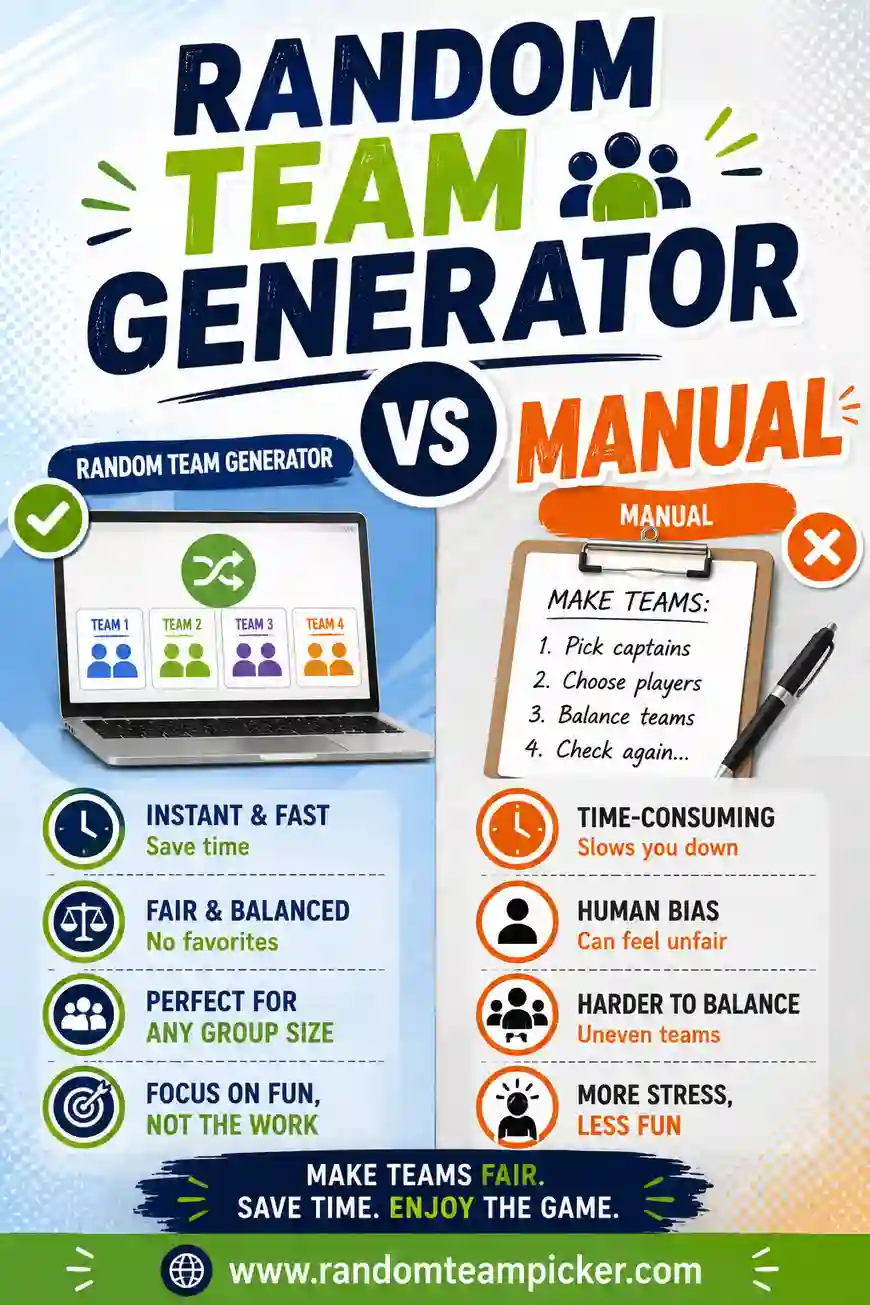
Our advice is to start free. A simple randomizer handles the daily work beautifully, and you can add a heavier tool later only if you genuinely need those extras. To see how free splitting compares to doing it by hand, read random team generator vs manual.
Tips for Getting the Most From a Free Randomizer
Small habits that make group randomizing smoother.
- Reshuffle for real problems, not endlessly. One redo to fix a genuinely bad split is fine. Reshuffling until you get the "perfect" groups defeats the fairness.
- Clean your list first. Remove no-shows before shuffling so groups come out even.
- Use first names or initials. For privacy in a classroom or workplace, you don't need full names — first names work great.
- Bookmark the tool. Keep the randomizer one tap away so it's ready whenever you need groups.
- Let the tool take the blame. "The computer made the groups" ends debates fast, because random genuinely is fair.
What to Look for So You Don't Waste Time
A quick reality check before you commit to any randomizer.
- Does it actually make groups, or just pick one name? Wheels pick single names. Make sure the tool splits into groups if that's what you need.
- Is it truly free, or free-until-you-hit-a-limit? The best ones have no paywall at all. Watch for "free trial" traps.
- Does it need a login? For a simple split, you shouldn't have to create an account.
- Does it work on your phone? If you'll use it at a field or in a classroom, mobile-friendliness matters.
A good group randomizer passes all four without you having to think about it.
FAQ
What is the best free group randomizer?
A dedicated random team picker is the best free group randomizer for most people. It splits any list into balanced, random groups in one click, needs no login, has no paywall, and works on any device. It handles odd numbers and lets you reshuffle instantly.
How do I randomly split a list into groups for free?
Paste your list into a free group randomizer, choose how many groups you want or set a group size, and click shuffle. Everyone lands in a balanced, random group in seconds. There's nothing to install and no account to create.
Are free group randomizers really free with no catch?
The best ones are. Our group randomizer is completely free with no sign-up, no email, and no paywall. Some other tools lock features behind a trial, so it's worth choosing one that's genuinely free from the start.
Do free randomizers make even group sizes?
Good ones do. A quality randomizer balances the groups automatically and, when your total doesn't divide evenly, spreads the extra people one per group. You won't get one huge group and one tiny one.
Can I use a group randomizer on my phone?
Yes. The best free randomizers run in any mobile browser with nothing to install. Paste your list, choose your groups, and shuffle right from your phone — handy in a classroom, at a field, or at a party.
Is my list private when I use an online randomizer?
With a good tool, yes. Our randomizer runs in your browser and doesn't store or upload your list. For extra privacy you can use first names or initials only. Nothing is saved after you close the page.
Ready to Split Your Group?
The best free group randomizer is fast, fair, login-free, and works everywhere — and a simple random team picker checks every box. Paste your list, choose your groups, and let it deal out balanced, random groups in seconds. It's free, there's no sign-up, and every split is genuinely fair. Want to dig deeper? Compare random team generator vs manual, or see our guides to the best classroom grouping tools and best team generators for sports.