Best Classroom Grouping Tools for Fair, Fast Student Groups
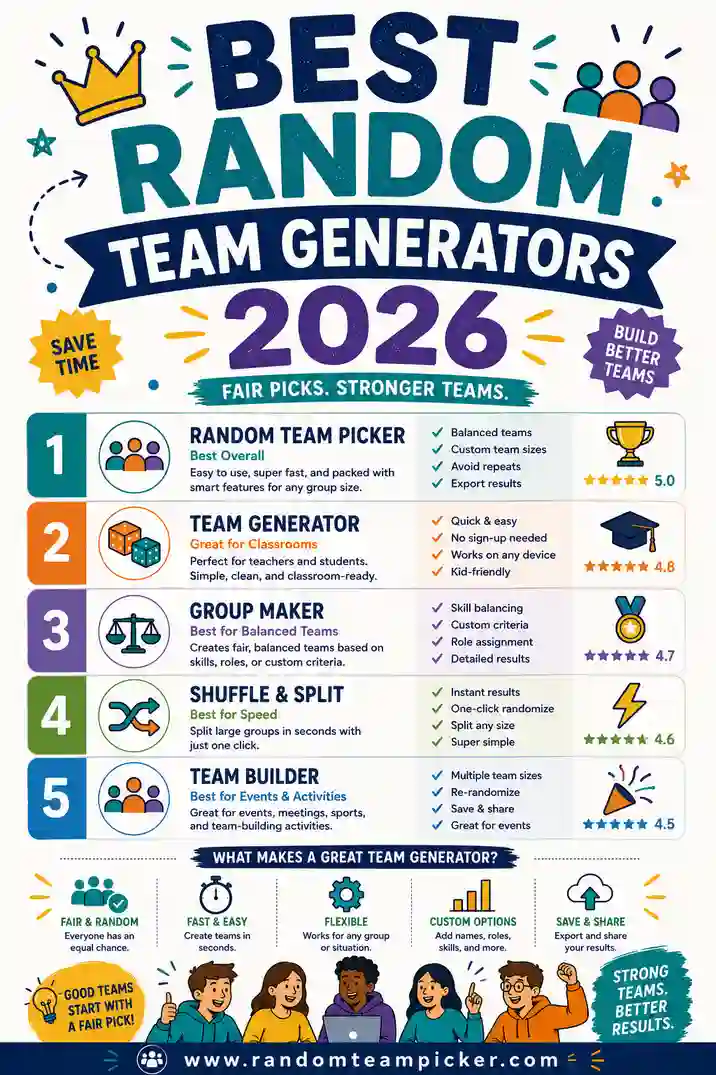
The best classroom grouping tools split your class into balanced, random groups in seconds so you skip the arguments and get straight to learning. The top free pick is a simple random team picker: paste your roster, choose how many groups you need, and every student lands in a fair group with one click. Below we compare the strongest options so you can pick the right one for your room.
Short on time? Open the free team picker, drop in your class list, set your number of groups, and you're ready to teach. No sign-up, no app, works on the classroom computer or your phone.
What Makes a Grouping Tool "Best" for a Classroom
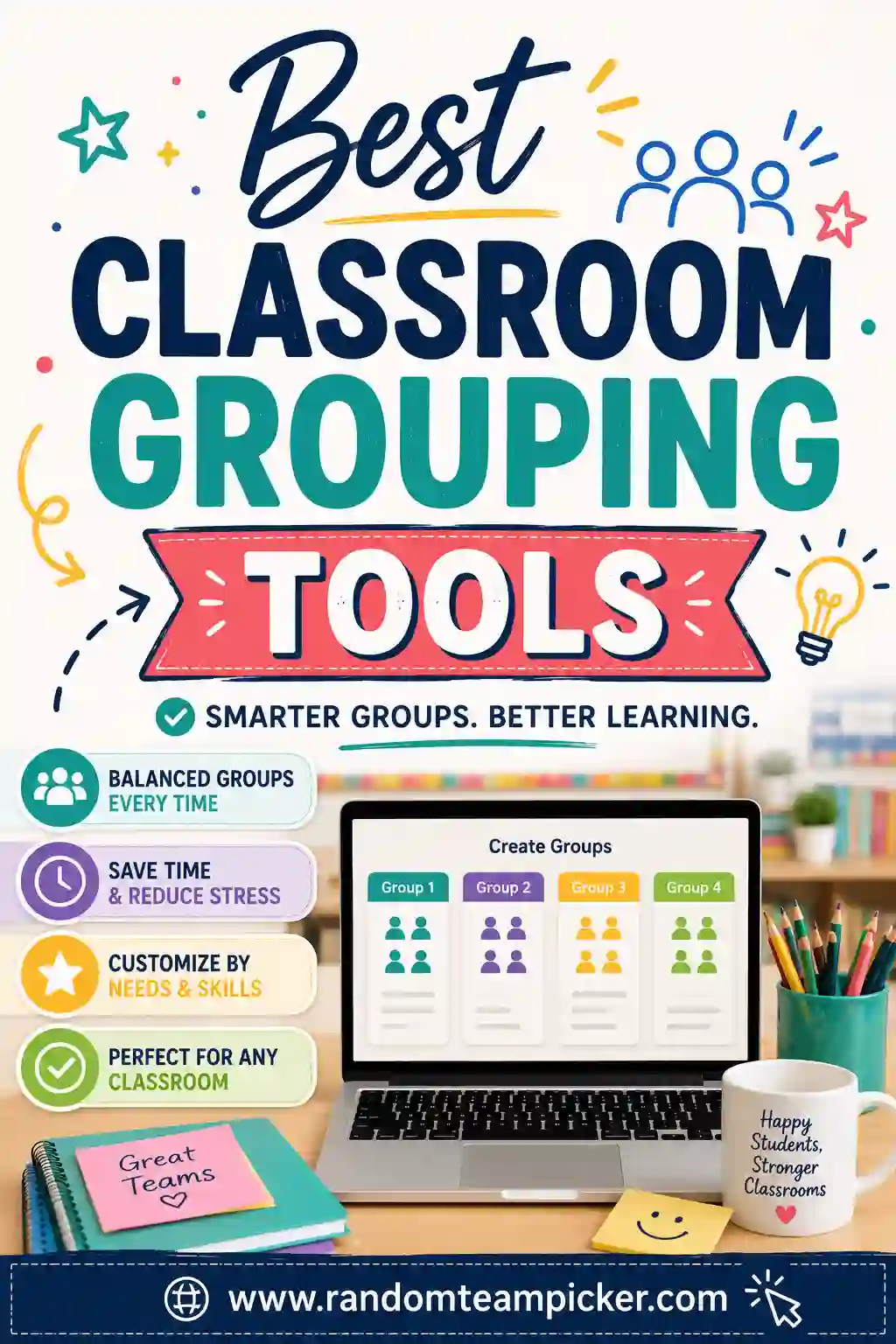
Not every randomizer is built for a classroom. Teachers have needs a party app doesn't. Here's what actually matters when you're standing in front of 30 students.
- Fast and simple. You have seconds between activities. The tool needs to work with a quick paste and a click, no tutorial required.
- Fair and random. Students notice favoritism. A good tool shuffles the whole roster so groups feel neutral and nobody can argue you rigged it.
- Even group sizes. If you ask for five groups, you want them balanced, not one group of eight and one of two.
- Free and no login. School budgets are tight and student privacy matters. The best tools don't ask you to create an account or type in emails.
- Works on any device. Classroom desktop, laptop cart, or your own phone — it should just work in a browser.
- Reshuffle in one click. Sometimes a group needs a quick redo. The tool should let you shuffle again instantly.
Keep those in mind as we go through the options.
The Best Classroom Grouping Tools Compared
Here's how the most common approaches stack up for everyday classroom use.
| Tool | Cost | Login needed | Best for | Group sizes |
|---|---|---|---|---|
| Random Team Picker | Free | No | Quick, fair groups any size | Balanced automatically |
| Name picker wheel | Free | No | Single picks, cold-calling | One name at a time |
| Spreadsheet + formula | Free | No | Teachers who love data | Manual setup |
| Classroom platform add-ons | Often paid | Yes | Schools already on the platform | Varies |
| Paper slips in a hat | Free | No | Tiny groups, no tech | Manual counting |
For most teachers, a dedicated team picker hits the sweet spot: free, no login, fair, and instant. Let's look at each option in a bit more detail.
Random Team Picker (the top free pick)
A purpose-built team picker is the fastest way to fair groups. You paste your class list, choose how many groups you want (or set a group size), and it deals every student into a balanced group at random. No two students get grouped by your unconscious preference, and the sizes come out even.
Why teachers reach for it first:
- Works in seconds with zero setup
- No account, no student data collected
- Handles a class of 12 or 40 the same way
- Reshuffle instantly if a matchup needs a redo
- Runs on any device with a browser
It's the tool we recommend for daily use, and it's free at randomteampicker.com.
Name Picker Wheels
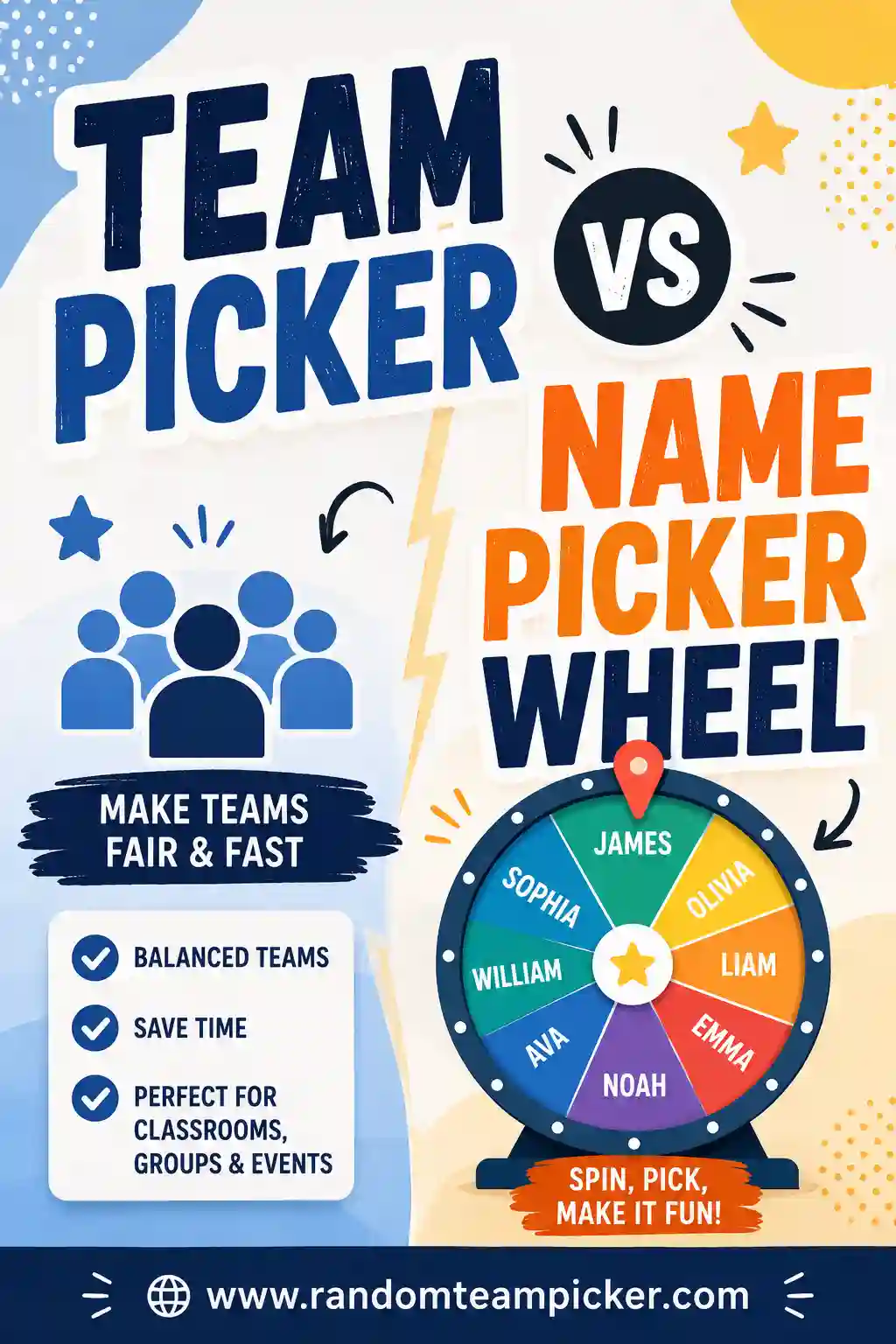
Spinning wheels are popular in classrooms, and they're genuinely useful — just for a different job. A wheel picks one name at a time, which is perfect for cold-calling, choosing who reads next, or drawing a reward winner. For building groups, though, you'd have to spin over and over and sort the results yourself. We break this down fully in our guide to team picker vs name picker wheel.
Spreadsheet Formulas
If you love data, you can randomize a class list in a spreadsheet with a random-number column and a sort. It's powerful and free, and it lets you save rosters. The downside is setup time — you have to build the formula and re-run it each time — which is more fuss than most teachers want between activities.
Classroom Platform Add-Ons
Some learning platforms offer built-in grouping features. If your school already lives inside one, these can be convenient because your rosters are already there. The trade-offs are that they often need a login, sometimes cost money, and can be slower than a quick copy-paste into a free tool.
Paper Slips in a Hat
The classic. Write names on slips, draw them, and sort into piles. It's tactile, needs no tech, and works when the internet is down. But it's slow for a full class, easy to lose track of, and hard to reshuffle. Great as a backup, not as your everyday method.
How to Group Your Class in 4 Steps
Here's the workflow most teachers land on with a team picker.
- Paste your roster. Copy student names into the tool, one per line. First names are usually enough.
- Pick your structure. Choose the number of groups (say, six for a 30-student class of five) or set a target group size and let it calculate.
- Shuffle. One click deals everyone into balanced, random groups.
- Display or print. Show the groups on the board or jot them down. Reshuffle if you need a fresh split.
The whole thing takes less time than calling roll.
Smart Ways to Use Random Grouping
Random groups aren't just for project work. Here are ways teachers put them to use.
Project and lab groups
Split the class fairly so no one feels stuck with a "bad" group by your choice. Because it's random, students accept it more easily.
Discussion and reading circles
Fresh groups keep conversations lively. Reshuffle each week so students talk to different classmates instead of the same three friends.
Stations and rotations
Assign groups to stations, then rotate. A team picker makes forming the starting groups painless.
Partner work
Set the group size to two and you've got random pairs in one click. Great for peer editing, think-pair-share, or lab buddies.
Game teams
Trivia, review games, and classroom competitions all work better with balanced random teams. It keeps games fair and fun.
Tips for Fair Grouping That Actually Works
A few small habits make random grouping smoother in a real classroom.
- Reshuffle occasionally, not endlessly. One reshuffle to fix a genuine problem is fine. Reshuffling ten times until you get the "right" groups defeats the purpose and students will notice.
- Mix ability levels on purpose sometimes. Pure random is great for most days. When you want deliberate balance, you can still start random and make one or two thoughtful swaps.
- Keep group sizes reasonable. Groups of three or four tend to work best — big enough to share the load, small enough that everyone contributes.
- Have a plan for absences. If a student is out, just remove their name before shuffling so groups stay even.
- Let the tool take the blame. "The computer picked the groups" defuses complaints fast. Randomness feels fair, and that's half the battle.
Free vs Paid: Do You Need to Pay?
For everyday grouping, no. A free tool covers what almost every teacher needs: fast, fair, even groups with no login. Paid platforms make sense only if you want deep integration with a gradebook or roster system you're already using, or advanced features like saving named groups over a whole term.
Our advice: start with a free team picker. It handles the daily work beautifully, and you can add a fancier system later only if you find you actually need it. For more free options, see our roundup of the best free group randomizers.
Why Random Beats Sorting by Hand
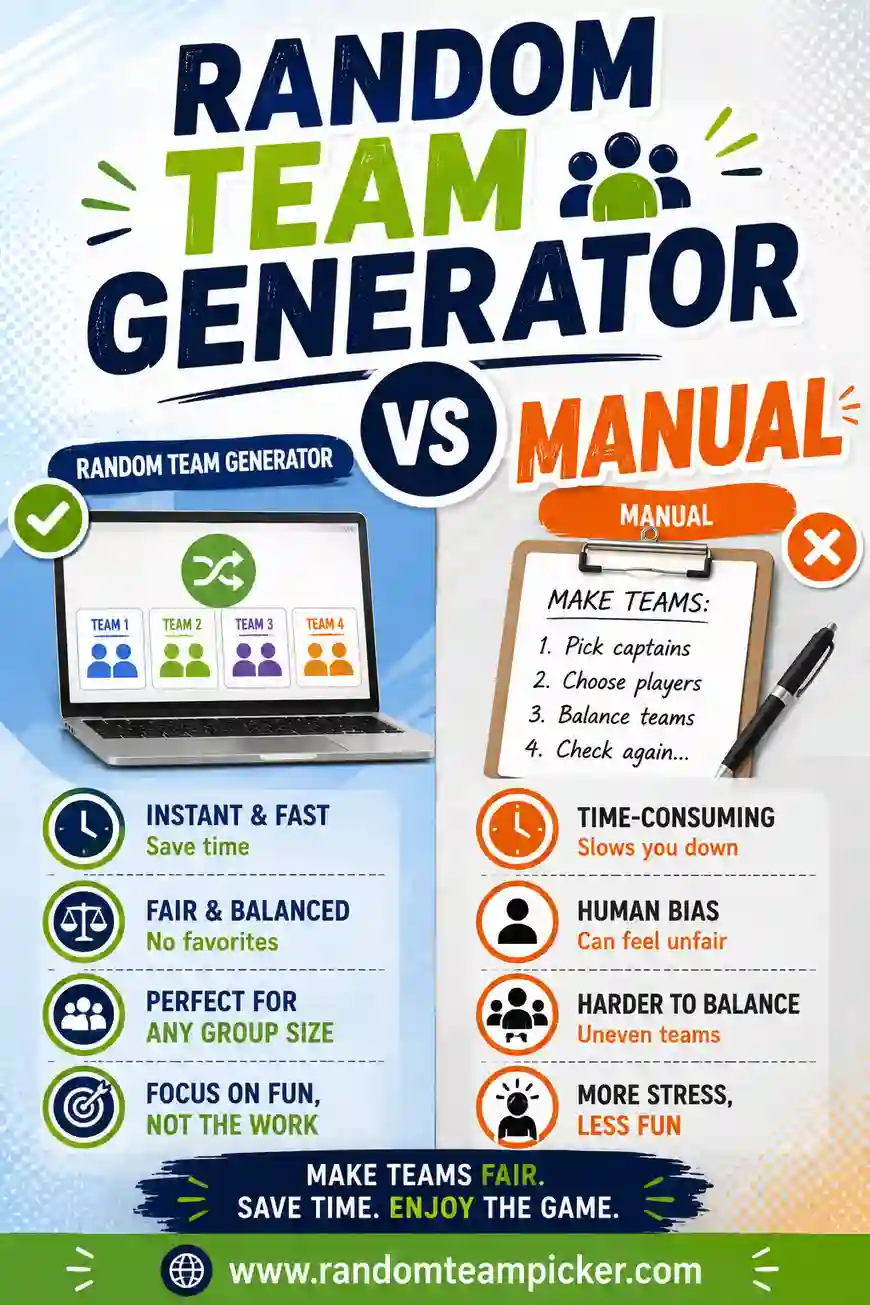
It's tempting to just point at students and say "you four, you four." But hand-picking has hidden costs. You unconsciously separate the kids who chat, keep certain friends apart, and end up making dozens of little judgment calls that students read as favoritism. It's also slow.
Random grouping sidesteps all of that. It's neutral, it's quick, and it feels fair because it is fair. We compare the two approaches in detail in random team generator vs manual, but the short version is: for daily classroom groups, random wins on time, fairness, and your own peace of mind.
FAQ
What is the best free classroom grouping tool?
A dedicated random team picker is the best free pick for most teachers. It splits your class into balanced, random groups in one click, needs no login, collects no student data, and works on any device. It's built for exactly this job.
How do I split my class into groups quickly?
Paste your roster into a team picker, choose how many groups you want or set a group size, and click shuffle. Every student lands in a balanced group in seconds. It's far faster than sorting slips of paper or building a spreadsheet.
Are these grouping tools safe for student privacy?
The best ones collect nothing. Our team picker runs entirely in your browser, needs no account, and doesn't store your list. You can even use first names or initials only if you prefer. Nothing is uploaded or saved.
Can I make random pairs instead of groups?
Yes. Set the group size to two and the tool creates random pairs for peer work, lab buddies, or think-pair-share. It's the same one-click process, just with pairs instead of larger groups.
What if a student is absent?
Just remove that student's name from your list before you shuffle. The tool will split the remaining students into even groups, so you won't end up with a lopsided group because of the absence.
Do I need to install software?
No. A good classroom grouping tool runs right in a web browser with nothing to download or install. That means it works on locked-down school computers and your personal phone alike.
Ready to Group Your Class?
The best classroom grouping tool is the one that's fast, fair, and free — and for most teachers that's a simple random team picker. Paste your roster, choose your groups, and let the tool handle the rest so you can focus on teaching. It's free, there's no sign-up, and every group is fair. Want to explore more options? Check out our comparison of team pickers vs name picker wheels and our list of the best free group randomizers.