Best Random Team Generators 2026 (Free & Fast Picks)
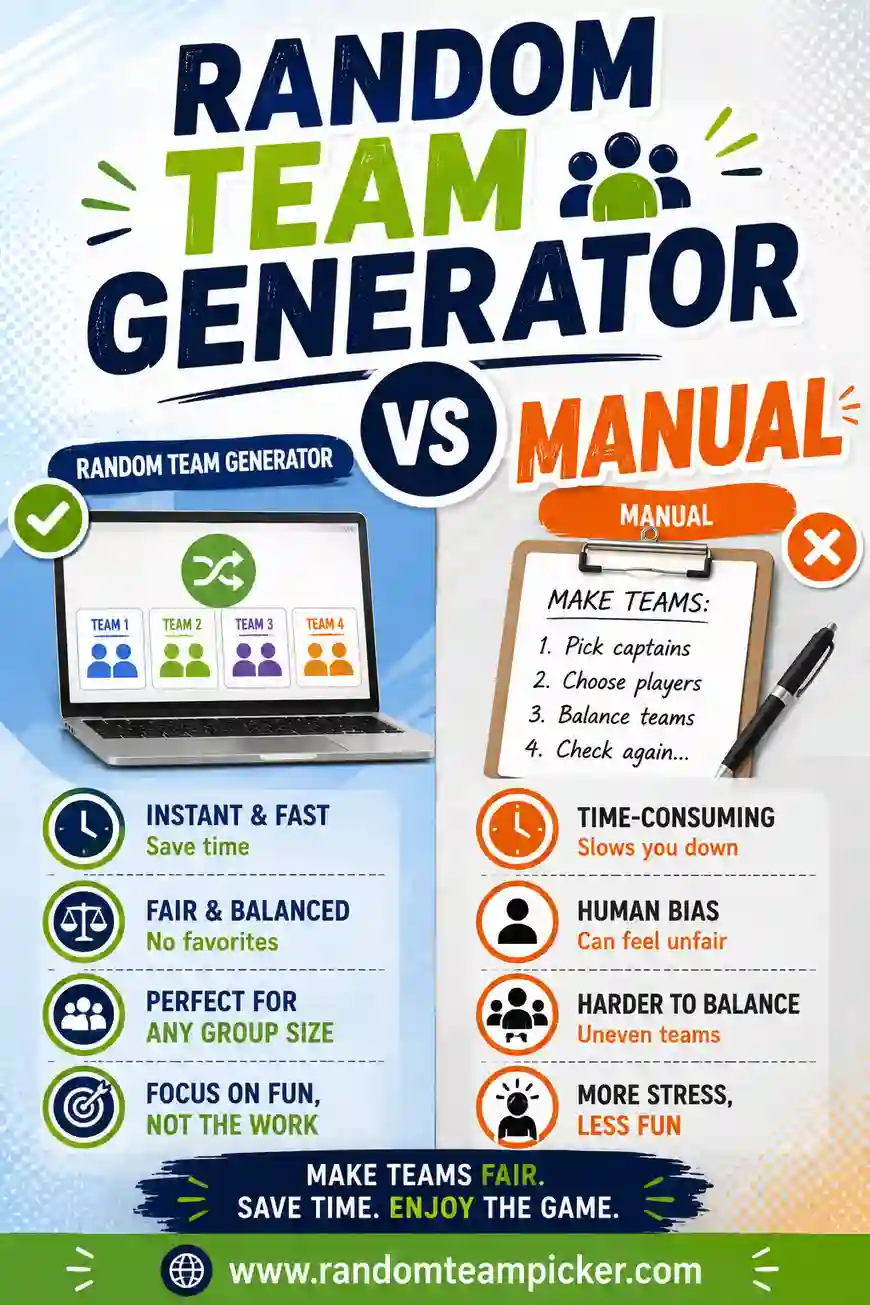
The best random team generators in 2026 are free, work in any browser, and turn a list of names into fair, evenly-sized teams in one click, no sign-up, no software. Our top pick is randomteampicker.com, which shuffles any list into balanced teams instantly and lets you re-shuffle as many times as you like. Below, we compare the best options and explain exactly what to look for so you can pick the right one for your class, team, party, or game.
Just want the fastest path? Open the free team picker, paste your names, choose how many teams you need, and you're done. It handles odd numbers, re-shuffles in a tap, and never asks you to make an account.
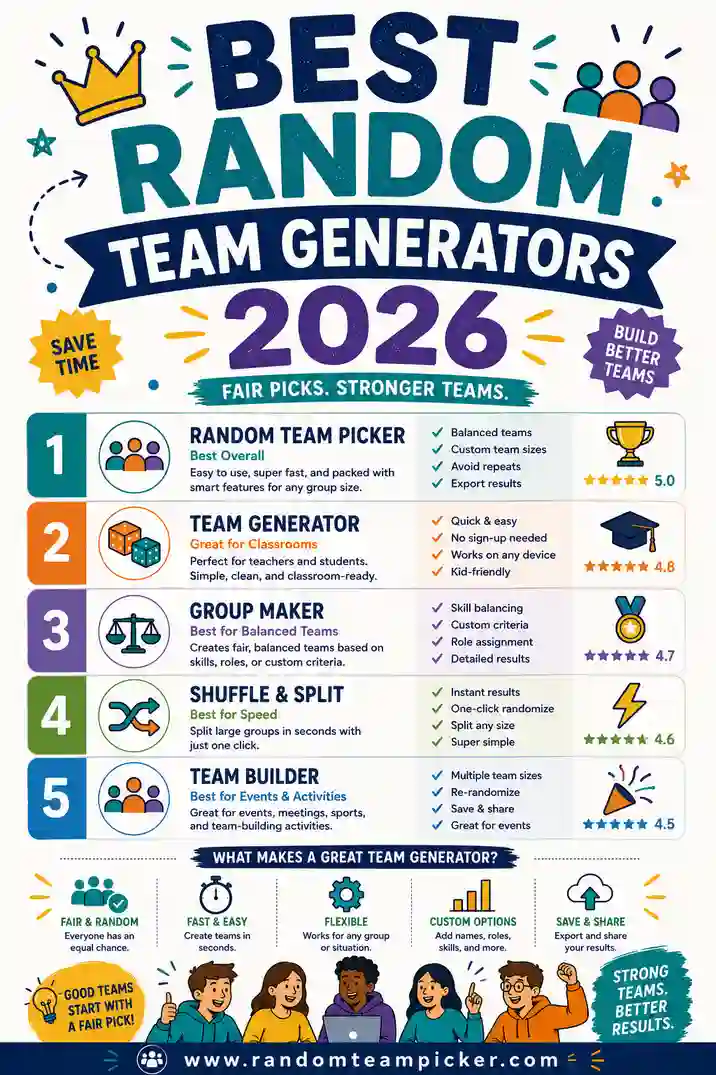
What Makes a Great Random Team Generator?
Before the picks, here's the checklist we used. A great team generator should:
- Be genuinely free. No trial, no paywall to actually split your list.
- Skip the sign-up. You should paste and go, not create an account first.
- Split any list size. From 6 friends to a 300-person event.
- Handle uneven numbers. When people don't divide evenly, it should balance the extras, not dump them all on one team.
- Re-shuffle instantly. One click for a fresh, still-fair result.
- Work on any device. Browser-based beats an app you have to install.
- Guarantee no repeats. Every name lands on exactly one team.
Keep this list in mind as you read. The best tools nail all seven; weaker ones stumble on sign-ups, paywalls, or clunky mobile support.
The Best Random Team Generators in 2026
Here are the standouts, starting with our top overall pick.
1. RandomTeamPicker — best overall (free, no sign-up)
RandomTeamPicker is the tool we'd hand to a teacher, a coach, or a party host without a second thought. Paste your names, set the number of teams, and it splits them fairly in one click. It handles odd numbers cleanly, guarantees every name appears once, and re-shuffles instantly when you want a different mix.
- Why it wins: It nails all seven of our criteria. Free, no account, any list size, even splits, instant re-shuffle, works on phones and laptops, no repeats.
- Best for: Basically everyone, classrooms, sports, game nights, work, parties.
- Cost: Free.
If you only try one tool from this list, make it this one.
2. Name-picker wheels
Spinning-wheel tools are fun and visual. You add names, spin, and one name pops out at a time. They're built for picking a single winner, though, not for splitting a whole list into balanced teams.
- Strength: Great crowd energy and suspense for choosing one person.
- Limitation: Building full teams means spinning over and over and tracking who's already out, which is slow for anything past a few names.
- Best for: Picking a single winner or a captain, not whole-team splits.
For the difference between the two, see our team picker vs. name picker wheel comparison.
3. Spreadsheet formulas (Excel / Google Sheets)
Not a website, but a real option. A `RAND()` column plus a sort will shuffle names, and a `MOD` formula can label teams. It's flexible if you already keep your roster in a sheet.
- Strength: Lives right alongside your existing data.
- Limitation: Fiddly to set up, and the random values re-scramble every time you edit the sheet. Awkward on phones.
- Best for: Spreadsheet power users who want teams in the same file as everything else.
4. Classroom platform group tools
Some classroom apps include a built-in grouping feature tied to your roster. Handy if you're already in that ecosystem all day.
- Strength: Uses your existing student list, no re-typing.
- Limitation: Locked to that platform, often needs a login, and usually can't be shared with a parent volunteer or a sub.
- Best for: Teachers already inside that platform for everything.
5. General randomizer apps
App-store randomizers can shuffle lists and pick groups. Some are solid; many are ad-heavy or ask for an account.
- Strength: Works offline once installed.
- Limitation: You have to install it, and quality varies wildly. Ads and upsells are common.
- Best for: People who want an offline option and don't mind app-store hunting.
Quick Comparison Table
Here's how the top options stack up against our checklist.
| Tool | Free | No sign-up | Even splits | Any size | Best for |
|---|---|---|---|---|---|
| RandomTeamPicker | Yes | Yes | Yes, automatic | Yes | Everyone |
| Name-picker wheel | Usually | Usually | No, one at a time | Small lists | Single winner |
| Spreadsheet (Excel/Sheets) | Yes | N/A | Manual setup | Yes | Sheet users |
| Classroom platform tool | Often | No, login | Varies | Class size | In-platform teachers |
| Randomizer app | Varies | Varies | Varies | Yes | Offline use |
The pattern is clear: for pure "split my list into fair teams, right now, free," a dedicated web team picker beats the alternatives on convenience.
How to Choose the Right One for You
Match the tool to your situation.
- You want fair teams fast, for anything. Use RandomTeamPicker. It's the no-friction default.
- You're picking one winner or captain. A wheel is more fun for that single-name moment.
- Your roster already lives in a spreadsheet. A `RAND()` column is convenient, if a little fiddly.
- You need it offline on a plane. An installed randomizer app makes sense.
- You're splitting a huge crowd. Make sure your tool handles big lists smoothly, see our guide to team generators for large groups.
Most people land on a free web picker because it removes every excuse: nothing to install, nothing to log into, works on the phone in your pocket.
Features That Actually Matter (and Ones That Don't)
Marketing pages love to list features. Here's what to weigh, and what to ignore.
Worth caring about:
- Even, balanced splits with automatic handling of odd numbers.
- Instant re-shuffle, so you can find a mix that feels right.
- No repeats, every name used exactly once.
- Works on the device you'll actually use.
Nice but not essential:
- Fancy animations. Fun, but they don't make teams fairer.
- Saving lists to an account. Handy for repeat use, but a barrier if it forces a login.
- Color themes. Purely cosmetic.
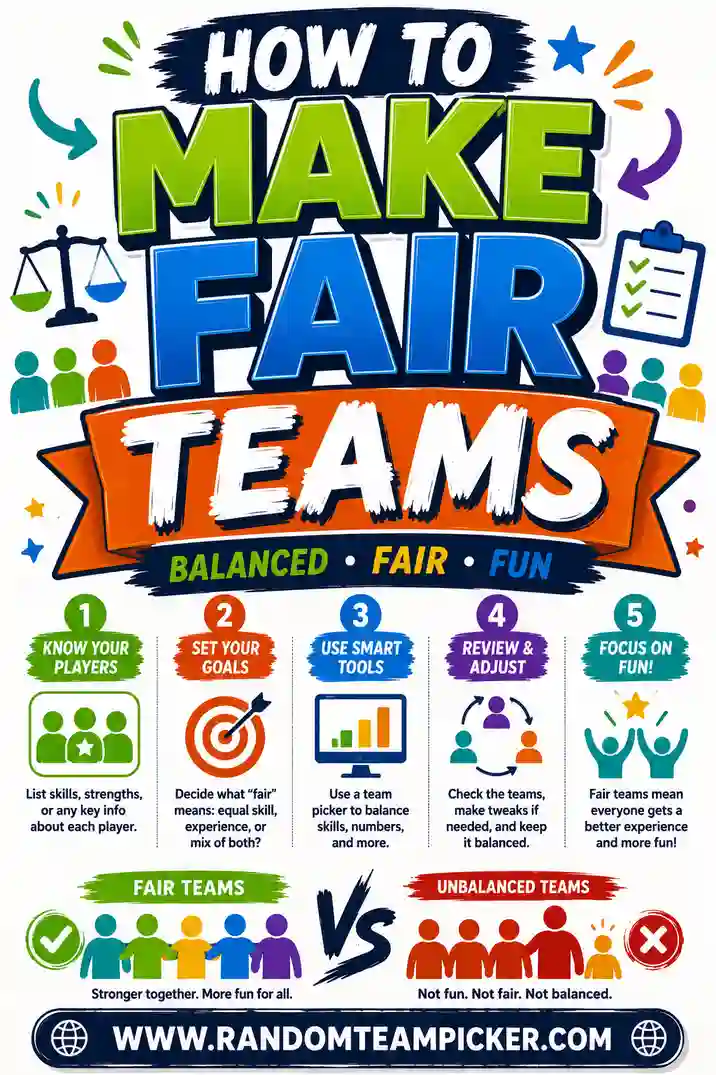
Chase fairness and speed first. Everything else is a bonus. For a deep dive on fairness itself, read how to make fair teams.
Free vs. Paid: Do You Ever Need to Pay?
For random team-making, almost never. The core job, shuffle a list, split into balanced groups, is well covered by free tools. You might consider paid only if you need something niche, like locking specific people together, saving hundreds of rosters, or deep integration with other software.
For classrooms, sports, parties, and game nights, a free group randomizer does everything you need. Start free, and only look at paid if you hit a wall you genuinely can't work around.
Matching the Tool to the Occasion
Different settings ask slightly different things of a team generator. Here's how the best pick shifts by scenario.
- Classrooms. Speed and visible fairness matter most. Run the shuffle on the board so students see it's neutral. A free web picker with instant re-shuffle is ideal.
- Sports and PE. You want even sides fast, often outdoors on a phone. A browser tool beats a spreadsheet you'd have to fight with on a small screen.
- Game nights. Fun and speed win. Paste names, click, play. No one wants to watch you build formulas while the snacks go cold.
- Work and team-building. Neutrality is the point, a tool that plays no favorites keeps things fair when colleagues are watching. Even splits and easy re-shuffle carry the day.
- Parties. Simplicity rules. Hand a host something they can run from their phone without a tutorial.
- Large events. Make sure the tool doesn't cap your list size, then let it split hundreds of names in one go.
Across all of these, the winning combination is the same: free, fast, no sign-up, even splits, and instant re-shuffle. That's why a dedicated web picker keeps topping these lists.
Red Flags to Avoid in a Team Generator
Not every tool that shows up in a search is worth your time. Watch out for these warning signs.
- A wall of ads or pop-ups that make the tool hard to actually use.
- A forced sign-up before you can split a single list.
- A paywall on the basic split, the core feature should be free.
- A hard cap on list size that fails you right when you have a big group.
- Lopsided results that dump all the leftover people onto one team instead of balancing them.
A good tool has none of these. It respects your time, splits fairly, and gets out of your way. If a generator trips any of these flags, move on, there's a cleaner free option a click away.
Frequently Asked Questions
What is the best free random team generator in 2026?
RandomTeamPicker is our top free pick. It splits any name list into fair, even teams in one click, handles odd numbers automatically, guarantees no repeats, and needs no sign-up. It works on phones and laptops, and you can re-shuffle as many times as you like.
Do I have to pay for a good team generator?
No. The best team generators are free for everyday use, splitting a list into balanced teams. Paid tools only make sense for niche needs like saving hundreds of rosters or locking specific people together. For most people, a free tool covers everything.
What's the difference between a team generator and a name picker wheel?
A team generator splits a whole list into balanced groups at once. A name picker wheel reveals one name at a time, which is great for choosing a single winner but slow for building full teams. Use a generator for teams, a wheel for picking one person.
Can these tools handle large groups?
Yes, the good ones do. A quality team generator for large groups can split hundreds of names into balanced teams just as fast as it splits ten. Check that your chosen tool doesn't cap the list size before a big event.
Do random team generators guarantee fair teams?
They guarantee a fair, unbiased split, every name has an equal chance of any team, and no one gets picked twice. That's fairness by chance. If you need teams balanced by skill instead, look for a tool with balancing options or adjust the result afterward.
Which team generator works on a phone?
A browser-based tool like RandomTeamPicker works on any phone with no app to install, just open it, paste, and tap. That makes it ideal for coaches on the field or teachers moving around the room.
Ready to Try the Top Pick?
You don't need to test five tools to split a list into fair teams. Open the free team picker, paste your names, choose your number of teams, and get balanced, repeat-free groups in one click. It's free, there's no sign-up, and re-shuffling takes a single tap, everything the best random team generators of 2026 should do, with none of the friction. Give it a try.