Classroom Grouping Strategies That Actually Work
The best classroom grouping strategies match the grouping method to your goal: use random groups for fairness and fresh mixes, ability-based groups for targeted support, and interest or role-based groups for engagement. For most day-to-day activities, a quick random split is the fairest and fastest choice, and a free group maker can do it in seconds without the usual "I don't want to work with them" drama.
In a hurry? Open the free team picker, paste your class roster, choose how many groups you need, and get balanced, random groups instantly. No sign-up, no picking teams by hand, no hurt feelings.
Why Grouping Strategy Matters
How you group students shapes how they work. Put the same three friends together every time and they'll chat instead of work. Let students self-select and the same kids get left out every single time. A little intention here pays off in participation, behavior, and the quality of what students produce.
Good grouping does three things at once:
- Spreads participation. More students talk when they're not stuck in the shadow of the loudest kid in their usual clique.
- Reduces conflict. A neutral method takes the "why am I with them?" pressure off you.
- Builds social skills. Working with different classmates teaches flexibility, and it's a skill they'll use for life.
The catch is that no single method is right for everything. The best teachers keep a few strategies in their back pocket and pick based on the day's goal.
The Main Classroom Grouping Strategies
Here are the strategies worth knowing, when to reach for each, and the trade-offs.
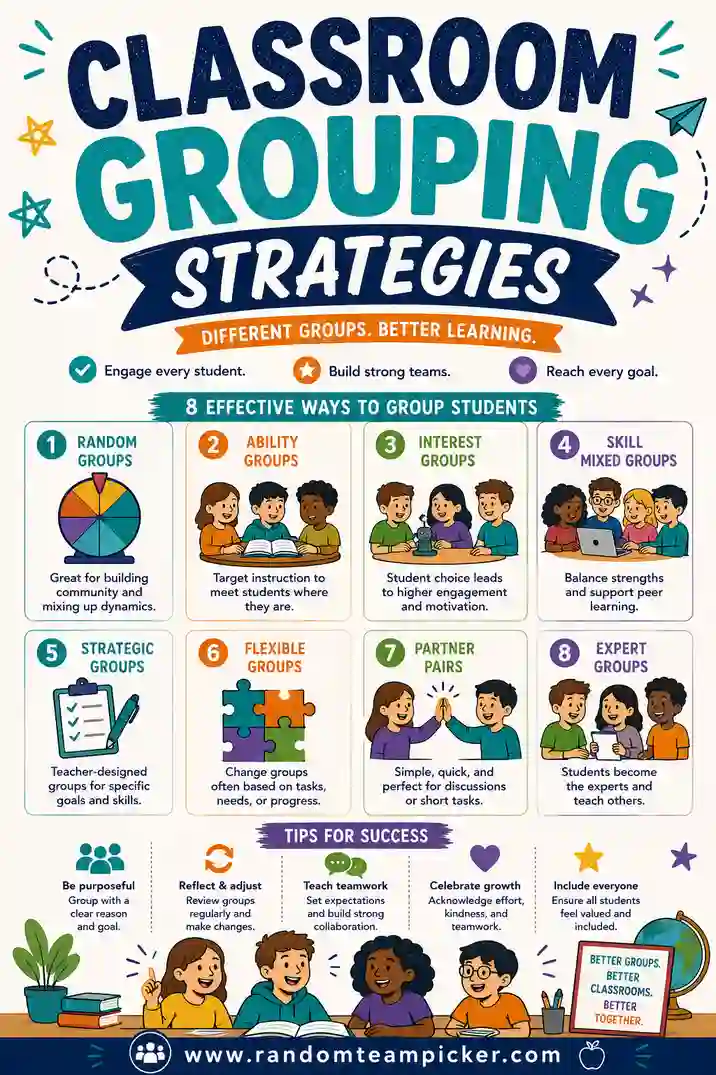
1. Random grouping
Names go in, groups come out, no logic about who ends up where. This is the fairest and fastest option for everyday work.
- Best for: quick activities, discussion pairs, mixing up cliques, anything where fairness matters more than fine-tuned balance.
- Watch out for: occasionally you'll get a lopsided personality mix. Just re-shuffle if it looks rough.
Random is the workhorse. A free random group generator for teachers makes it a two-second job.
2. Ability or readiness grouping
Students are grouped by their current level on a specific skill, so you can aim instruction at each group.
- Best for: targeted reading, math intervention, or stations where each group needs a different task.
- Watch out for: keep it flexible and temporary. Fixed "top" and "bottom" groups can stick emotional labels on kids. Regroup often as skills change.
3. Mixed-ability grouping
Deliberately blend levels so stronger students can model and support others. Peer teaching is powerful.
- Best for: projects, problem-solving, and tasks where explaining helps everyone learn.
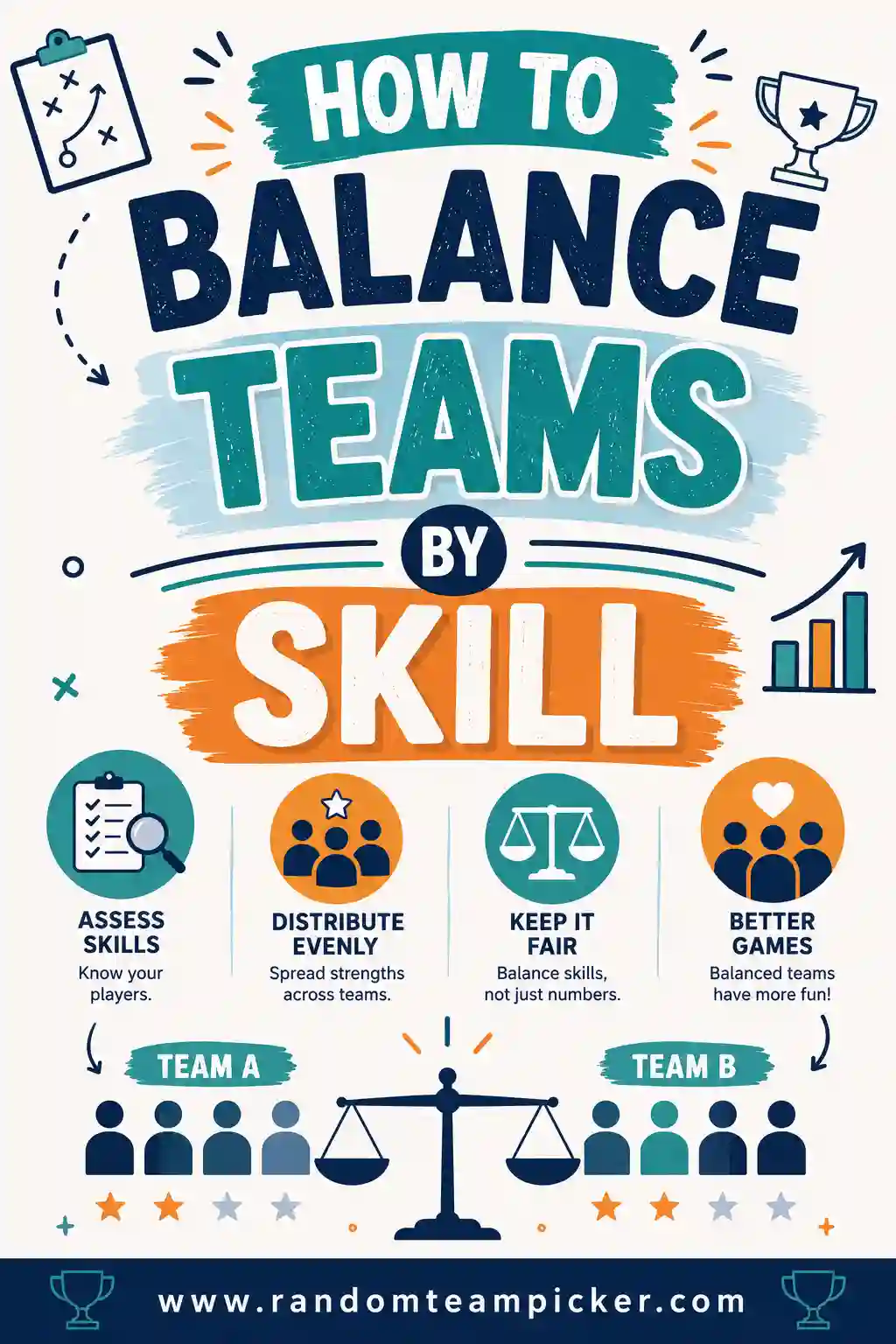
- Watch out for: give each member a real role so the strongest student doesn't just do all the work. Our guide on balancing teams by skill has more on this.
4. Interest-based grouping
Group students by topic choice, book, or project theme they picked.
- Best for: research projects, genre studies, passion projects, choice boards.
- Watch out for: popular topics fill up fast. Set a cap per topic or offer a second-choice option.
5. Role-based grouping
Assign each student a job inside the group: recorder, timekeeper, presenter, materials manager.
- Best for: structured group work where you want accountability and no free-riders.
- Watch out for: rotate roles over time so the same kid isn't always the "leader" or always the "recorder."
Which Strategy for Which Goal?
Use this quick guide to match the moment to the method.
| Your goal today | Best grouping strategy | How to form it |
|---|---|---|
| Fast, fair split for a discussion | Random | Team picker, one click |
| Targeted skill practice | Ability / readiness | Sort by recent data |
| A big collaborative project | Mixed-ability + roles | Balance levels, assign jobs |
| Boost buy-in and motivation | Interest-based | Let students pick a topic |
| Teach accountability | Role-based | Random groups, then assign roles |
| Break up cliques | Random | Group maker, re-shuffle as needed |
Notice that random shows up a lot. That's because for most quick, everyday grouping, fairness and speed beat fine-tuning, and random delivers both.
How to Group a Class Quickly (Step by Step)
Here's a reliable routine that works for almost any activity.
- Decide your goal. Practice a skill? Discuss a text? Build something? The goal picks the strategy.
- Choose group size. Pairs for focused talk, threes and fours for projects. Bigger than five and someone always coasts.
- Form the groups. For random, paste your roster into the team picker and set the number of groups. For ability or interest, sort your list first, then split.
- Assign roles if needed. For longer tasks, give everyone a job so no one hides.
- Set the expectation out loud. State the task, the time limit, and what "done" looks like before students move.
Doing the random split with a tool means students see it's neutral, which shuts down the "you always put me with them" complaints. For the full walkthrough, see how to divide a class into groups.
Group Size: A Simple Rule of Thumb
Group size changes everything about how a task feels. Here's a quick reference.
- Pairs (2): Maximum talk time per student, nowhere to hide. Great for quick checks and peer editing.
- Trios (3): A sweet spot for many tasks, enough voices for ideas, small enough to stay on track.
- Fours (4): Good for bigger projects with distinct roles. Watch for one quiet student getting drowned out.
- Fives+ (5 or more): Only for large builds or games. The bigger the group, the more some students coast.
When in doubt, go smaller. It's easier to combine two pairs than to un-stick a group of six that isn't working.
Making Random Groups Fair and Drama-Free
Random is only as good as how you run it. A few habits keep it smooth.
- Do it in front of the class. Press the shuffle button on the board. Visible randomness feels fair and stops accusations.
- Have a re-shuffle rule. Decide up front: "We'll shuffle once, and that's the group." Or allow one re-shuffle if a group is clearly unbalanced. Just don't shuffle until friends land together.
- Separate known conflicts quietly. If two students genuinely can't work together, adjust after the shuffle without announcing it.
- Change groups often. Regular reshuffling normalizes working with everyone, so no single grouping feels like a punishment or a reward.
A group maker makes all of this painless because re-shuffling is instant and obviously neutral.
Common Grouping Mistakes to Avoid
Even good teachers fall into these. Steer clear.
- Letting students always self-select. The same kids get left out every time. Save self-selection for interest-based tasks with a safety net.
- Freezing groups all year. Skills and friendships change. Static groups miss both.
- Ignoring group size. A five-person group for a two-person task guarantees coasting.
- No roles on long tasks. Without jobs, the eager kid does everything and the rest check out.
- Grouping by ability and never changing it. Temporary is fine, permanent labels are not.
Dodge these and your groups will run themselves. For a look at tools that make this even easier, check our roundup of the best group-making tools for teachers.
Grouping for Different Subjects and Ages
The same strategies flex across your whole schedule, you just dial them up or down for the age and the subject. Here's how they tend to land.
- Early elementary. Keep groups tiny, pairs or trios, and lean on random grouping so friendships don't harden into permanent teams. Short tasks with clear jobs work best.
- Upper elementary. Mixed-ability project groups with assigned roles start paying off here. Kids can handle a "recorder" and a "presenter" and hold each other accountable.
- Middle school. Interest-based grouping is gold for buy-in at this age. Let students pick a topic or a book, then use roles to keep everyone contributing.
- High school. Balance random grouping for discussions with deliberate mixed-ability grouping for major projects. Older students benefit from working with people outside their usual circle.
By subject, the pattern shifts too:
- Reading and language arts. Temporary ability groups for guided practice; mixed groups for discussion and peer editing.
- Math. Pairs for problem-solving talk, mixed-ability groups for tasks where explaining cements the concept.
- Science. Role-based lab groups so the materials manager, recorder, and reporter each own a piece.
- Social studies. Interest-based groups for research projects and debates, which naturally raise engagement.
None of this needs to be complicated. Decide the goal, pick the matching strategy, and let a quick random split handle the everyday grouping so you save your energy for teaching.
Frequently Asked Questions
What is the best classroom grouping strategy?
There's no single best one, it depends on your goal. Random grouping is best for fair, fast, everyday splits, ability grouping suits targeted skill practice, and mixed-ability with roles works well for projects. Keep several strategies handy and match the method to the task.
How do I group students fairly without complaints?
Use a random method and run it in front of the class so students see it's neutral. A free team picker shuffles your roster on the board, which removes the sense that you're playing favorites and cuts down on "I don't want to be with them" pushback.
What's the ideal group size for classroom activities?
Pairs and trios are the sweet spot for most tasks because everyone has to participate. Fours work for bigger projects with defined roles. Groups of five or more tend to leave some students coasting, so go smaller when you can.
Should I group students by ability?
Sometimes, and only temporarily. Ability grouping helps when each group needs a different level of task, like reading or math intervention. Keep it flexible, regroup as skills change, and avoid fixed "top" and "bottom" labels that can stick to students emotionally.
How often should I change classroom groups?
Often. Frequent reshuffling helps students learn to work with everyone, keeps cliques from calcifying, and stops any group from feeling like a permanent reward or punishment. For random groups, a group maker makes reshuffling a two-second task.
Can I make random groups on a computer for free?
Yes. Paste your class roster into a free random group generator for teachers, choose how many groups you want, and it splits them evenly and randomly. It's free, needs no sign-up, and you can re-shuffle as many times as you like.
Ready to Group Your Class in Seconds?
Pick the strategy that fits your goal, then let the tool handle the busywork. Open the free team picker, paste your roster, and get fair, balanced groups on the board in seconds, no drama, no favoritism, no counting heads. It's free and there's no sign-up, so give it a try before your next group activity.