Team Generator for Large Groups: Sort Fast & Fair
A team generator for large groups is a free tool that takes a big list of people, dozens or even hundreds of names, and splits them into fair, random, evenly sized teams in seconds. Instead of counting heads and manually assigning everyone, you paste the whole roster, tell the tool how many teams you want (or how big each team should be), and it shuffles everyone into balanced groups instantly. It's built for exactly the moments when doing it by hand would take forever.
Want to jump in? Open the free team generator, paste your full list, set your team count, and get evenly split groups right away. No sign-up, no spreadsheet, no math.

Why Big Groups Break the Manual Method
Splitting 8 people into two teams is easy. Splitting 80 people into eight teams by hand is a nightmare. You lose count, you double-assign someone, and half the room is standing around while you sort it out.
Large groups make three problems worse:
- Counting errors. With a big list, it's genuinely hard to keep teams even without a tool doing the math.
- Hidden bias. When you assign people yourself, friends cluster and the split stops feeling random.
- Time. The bigger the group, the more minutes you waste, and minutes with a restless crowd feel like hours.
A random team generator wipes out all three. It counts perfectly, it can't play favorites, and it finishes the instant you click.
How to Split a Large Group Into Teams
The process is the same whether you have 30 people or 300.
- Collect the names. Paste the whole list, one name per line. Copy straight from a sign-up sheet, a class roster, or a spreadsheet column.
- Choose your setup. Either pick the number of teams (say, 6) or set a team size (say, 10 per team) and let the tool calculate how many groups you get.
- Shuffle. The generator scrambles the entire list and deals everyone into even teams in one pass.
- Share the result. Project it, print it, or read out group by group.
Because it's random, a quick reshuffle gives you a completely different split if you want a do-over, handy when someone shows up late or drops out.
Choosing the Right Number of Teams
For big crowds, team size drives the whole experience. Too many people per team and half of them stand idle; too few and you have a hundred tiny groups to manage. This chart helps you find the sweet spot.
| People | Recommended teams | Team size | Best for |
|---|---|---|---|
| 20–40 | 4–6 teams | 5–8 each | Workshops, trivia night |
| 40–80 | 6–10 teams | 8–10 each | Corporate events, tournaments |
| 80–150 | 10–15 teams | 10–12 each | Conferences, sports leagues |
| 150–300 | 2–4 mega-teams | 75+ each | Color runs, large fundraisers |
| 300+ | Break into rounds | Sort in batches | Festivals, campus events |
A reliable rule: keep active-game teams between 6 and 12 so everyone participates. For big head-to-head events (like a two-sided challenge), fewer, larger teams work better.
Setups for Different Kinds of Big Groups
The best split depends on what the crowd is doing. A few common scenarios:
Corporate and team-building events
Mixing departments is usually the point. Drop every attendee into the generator, ignore who works where, and let random teams form. It forces people to meet new colleagues, which is exactly what a team-building day is for.
Large classrooms and lectures
For group projects in a big class, a generator saves you from the "let me pick my own group" scramble that leaves shy students stranded. Split the roster into project teams in seconds and post the list.
Sports leagues and tournaments
Balanced brackets start with a fair draw. Use the tool to seed teams or divide a large sign-up into evenly sized squads before the season starts.
Community and fundraising events
Color runs, charity walks, and field days with hundreds of participants run smoother with a handful of big teams. Sort everyone into 2 to 4 colors and you've got instant friendly rivalry.
Running a specifically two-sided event? Our guide to a team generator for two-team splits covers that case in detail.
Tips for Managing Large-Group Splits
Big numbers need a little extra planning. These habits keep things smooth.
- Sort in batches if it's massive. For 300+ people, split into rounds or use team captains to manage sub-groups. It's easier to run four groups of 75 than one chaotic list.
- Assign a captain per team. With big teams, one point person per group keeps everyone organized and moving.
- Post the teams where everyone can see. Project the screen or print a sheet per team. Yelling out 15 team rosters never works.
- Reshuffle for multiple rounds. If the event has several games, fresh teams each round keep it fair and mix people up.
- Plan for stragglers. Someone always arrives late. Just add their name and reshuffle, or slot them into the smallest team.
Keeping teams even when numbers don't divide cleanly
If your headcount doesn't split evenly (say, 47 people into 6 teams), the generator makes some teams one person larger. That's normal and fair. If exact evenness matters for a competition, either adjust the number of teams or use a floating substitute to balance things out.
Why Random Beats Hand-Picking for Big Crowds
With a large group, hand-picking isn't just slow, it's almost guaranteed to look unfair. Cliques end up together, the strongest players cluster, and someone always feels cheated.
Random splitting fixes this by design:
- No favoritism. The tool doesn't know anyone, so it can't stack teams.
- Even talent spread. Over a big list, random distribution tends to balance skill levels across teams naturally.
- Instant buy-in. People accept a visible random shuffle far more readily than a leader's picks.
The bigger the group, the more these advantages compound. What feels like a minor convenience with 10 people becomes essential with 100.
Print, Project, or Screenshot Your Teams
After you shuffle, sharing the result matters as much as making it, especially with a big crowd. Read teams out one at a time for a quick sort. For a longer event, project the screen so everyone can find their name, or print a roster per team so captains have a reference. A phone screenshot keeps a record in case anyone questions a team later.
The generator runs entirely in your browser, so it works on any device, and nothing is stored or shared. Paste, split, done.
Running a Multi-Round Event With Big Teams
Large-group events rarely end after one game. Trivia nights, tournaments, and field days usually run several rounds, and how you handle teams across those rounds shapes the whole vibe.
You have two solid options:
- Keep teams fixed all night. Best when you want rivalry to build and a clear overall winner. Draw once, name the teams, and let the standings carry through. This works great for trivia leagues and color-based competitions.
- Reshuffle every round. Best when the goal is mixing people and keeping things light. A fresh split each round means nobody's stuck on a losing team, and people meet more of the crowd. Ideal for icebreakers and casual team-building.
For long events, a hybrid works well: keep teams for the main competition, but do a couple of reshuffled "wildcard" rounds in the middle to shake things up. The generator makes either approach a ten-second job, so you can decide on the fly based on the room's energy.
Keeping a Big Crowd Organized After the Split
Making the teams is the easy part with a large group, herding everyone to the right place is the real challenge. A few tactics that save you from chaos:
- Assign a gathering spot per team. "Team 1 by the blue banner, Team 2 by the stage." People find their space instead of milling around.
- Give each team a captain immediately. Read the captain's name first when you announce a team. They become the person everyone rallies to.
- Use color to make teams visible. Wristbands, lanyards, or shirts turn an abstract list into a group you can spot across a room.
- Post the full split somewhere central. A projected screen or a printed sheet by the door means you're not answering "which team am I on?" a hundred times.
With those four moves, even a crowd of 200 sorts itself in a couple of minutes. The generator gives you fair teams; a little structure turns them into an organized event.
Real-World Examples of Large-Group Splits
It helps to see the method in action. Here are a few common scenarios and how the split plays out.
A trainer running a 90-person corporate workshop wants breakout groups of six. She pastes the attendee list, sets a group size of six, and the generator produces 15 mixed groups instantly, cutting across departments so people network with new faces. What would have been ten minutes of awkward self-sorting becomes ten seconds.
A youth soccer league with 64 sign-ups needs eight balanced teams for the season. The organizer pastes the roster, splits into eight, and gets even squads of eight in one click. He then swaps a couple of the strongest players to balance skill, and the season is set.
A campus club hosting a 200-person trivia night wants four big teams for a lively battle. One shuffle divides the crowd into four color teams of 50, each with a captain to keep things organized. The random draw means no one can complain that the "smart" table stacked itself.
In every case, the pattern is the same: paste the list, pick teams or a size, shuffle, and manage the result. The tool does the heavy lifting so the organizer can focus on running a good event.
Frequently Asked Questions
How do I split a large group into fair teams?
Paste the entire list of names into a free team generator, choose how many teams you want (or set a team size), and hit shuffle. The tool randomly divides everyone into evenly sized groups in seconds, no manual counting required.
How big should teams be for a large group?
Keep active-game teams between 6 and 12 people so everyone participates. For big head-to-head events, fewer, larger teams (like 2 to 4 colors) work better. The size chart above maps headcounts to good setups.
Can the tool handle hundreds of names?
Yes. A good team generator handles large rosters without slowing down. For very large crowds (300+), it can help to sort in batches or assign team captains to manage the sub-groups.
What happens if my group doesn't divide evenly?
The generator makes some teams one person larger so nobody is left out. That's fair and normal. If exact evenness is critical, adjust the number of teams or use a floating substitute.
Is it free to split large groups?
Yes, the tool is completely free with no sign-up. It runs in your browser on any device, so you can sort a big crowd from a laptop, tablet, or phone.
Can I reshuffle if someone joins or leaves?
Absolutely. Add or remove a name and shuffle again for a fresh, fair split. Every click produces a new random arrangement, which is perfect for late arrivals or multiple rounds.
Ready to Sort Your Big Group?
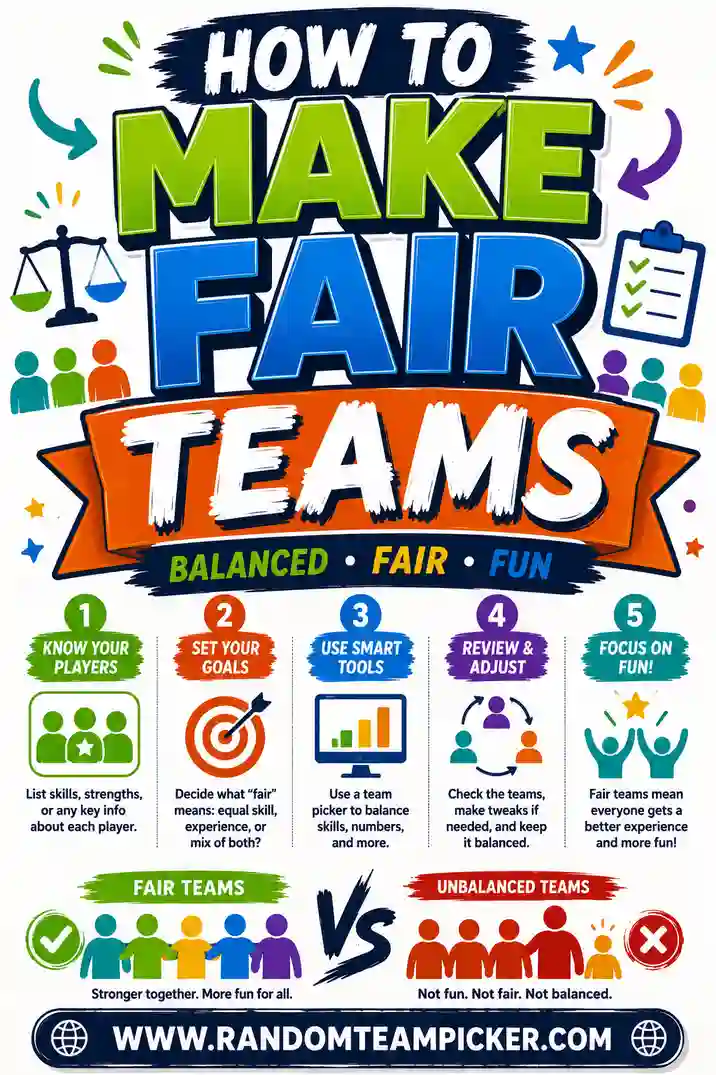
Paste your roster, open the free team generator, and you'll have fair, evenly sized teams for even the largest crowd in seconds. It's free, there's no sign-up, and every shuffle mixes people fresh. For related setups, see our guides on a team generator for summer camp, a team generator for two-team splits, and how to make fair teams. Big group, no stress.