Team Generator for Summer Camp: Fast, Fair Groups
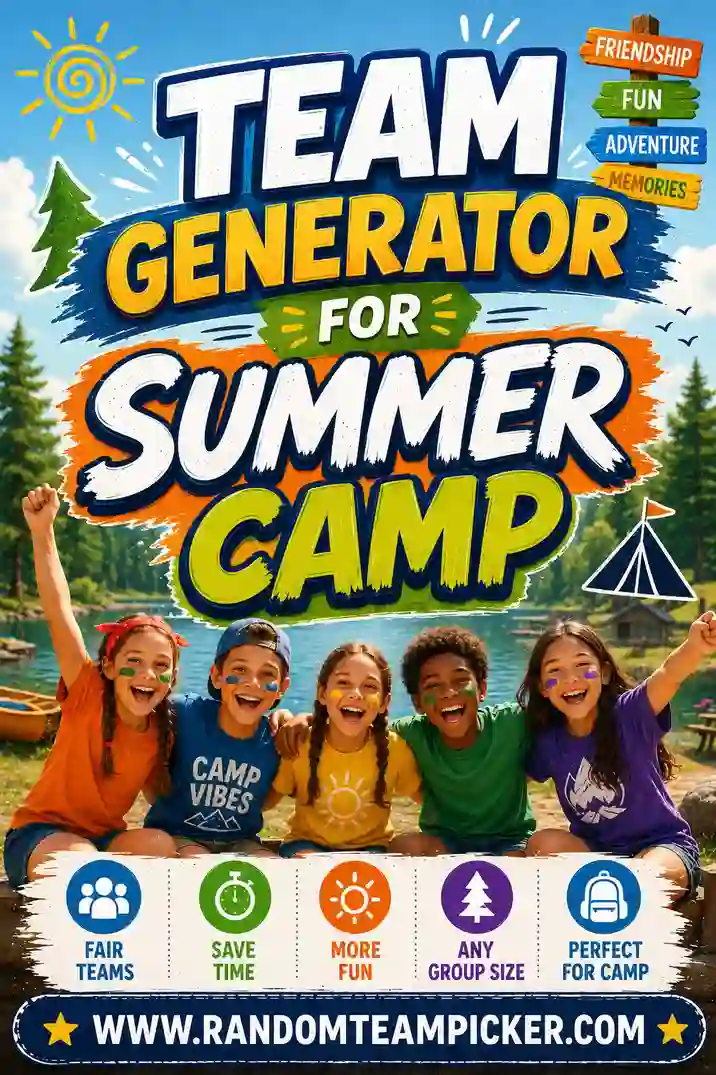
A team generator for summer camp is a free tool that takes your full roster of campers and instantly splits them into fair, random groups, so no counselor has to play favorites or scribble names on a whiteboard. You paste in the names, pick how many teams or groups you want, and the tool shuffles everyone into balanced sides in a couple of clicks. It's the fastest way to run color wars, cabin challenges, relay races, or any camp activity where you need even teams right now.
Want to skip ahead? Open the free team generator, drop in your camper list, choose the number of teams, and you're ready to play before the whistle even blows. No sign-up, no app to install.
Why Counselors Reach for a Team Generator
Camp runs on group activities, and picking teams by hand eats up time you don't have. When 40 kids are bouncing off the walls waiting for the game to start, the last thing you want is a slow, awkward captain-picks-players ritual where the same two kids always go last.
A random team generator solves three problems at once:
- Speed. You go from a roster to finished teams in seconds, not minutes.
- Fairness. The computer doesn't know who's popular or who's the best athlete. Everyone gets shuffled the same way.
- Peace. No arguments about who stacked the teams. "The generator did it" ends the debate before it starts.
That last point matters more than people expect. When kids believe the split was truly random, they accept it. The moment they suspect a counselor rigged it, you've got complaints on your hands.
How to Split Campers Into Teams in Seconds
You don't need a spreadsheet or any prep. Here's the whole flow.
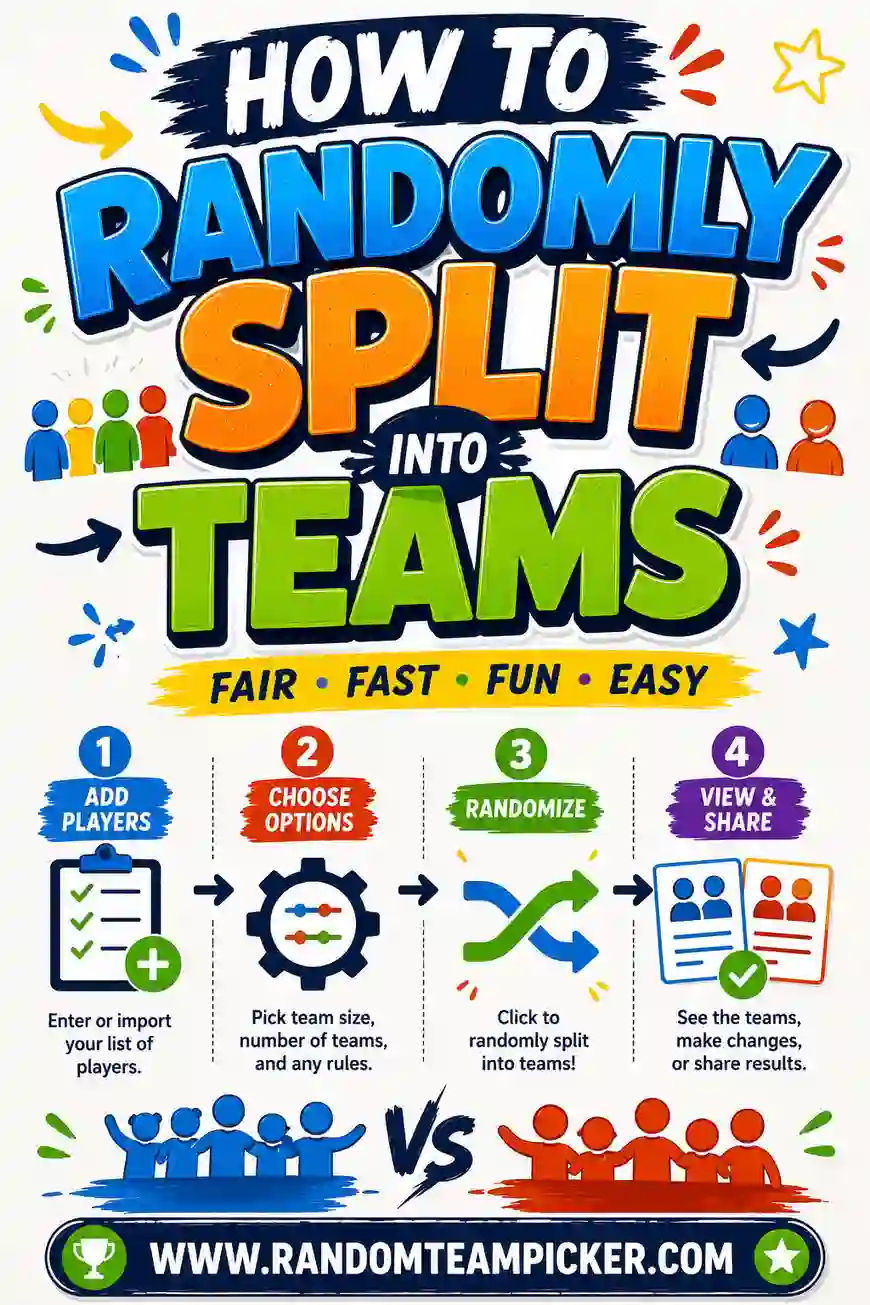
- Grab your roster. Type or paste every camper's name, one per line. First names are fine; add a last initial if you have two kids with the same name.
- Pick your number. Decide how many teams you need (two for color war, four for a station rotation) or set a group size and let the tool figure out the rest.
- Shuffle. Hit the button. The team generator scrambles the list and deals everyone into even groups.
- Read them out. Announce the teams, or show the screen. Done.
If a team comes out lopsided or you want a fresh mix, just shuffle again. Every click gives you a brand-new random split.
Camp Activities That Need Fair Teams
Almost every classic camp game runs better with balanced sides. A few favorites:
Color war
The biggest team event of the summer. Split the whole camp into 2, 3, or 4 colors, then keep those teams for a day or a week of competition. A generator makes the initial draw feel fair, which sets the tone for the whole event.
Relay races and field day
Field day lives and dies on even teams. Use the tool to build 4 to 6 squads of equal size, then rotate them through stations like the sack race, water-balloon toss, and tug of war.
Cabin vs. cabin challenges
Sometimes you want to mix cabins so kids meet new friends. Dump every camper into the generator, ignore the cabin lines, and let fresh teams form. It's a great way to break up cliques on day one.
Talent shows and scavenger hunts
Group activities that reward teamwork (not raw athleticism) still need even numbers. Random teams keep the strong and shy kids spread out so no single group runs away with it.
Group-Size Guide for Common Camp Games
Not sure how many teams to make? This quick chart maps camper counts to sensible group setups.
| Campers | Great for | Suggested setup |
|---|---|---|
| 8–12 | Small cabin games | 2 teams of 4–6 |
| 16–24 | Relay races, capture the flag | 2 teams of 8–12 or 4 teams of 4–6 |
| 25–40 | Field day, station rotations | 4 teams of 6–10 |
| 40–60 | Color war | 2–3 large color teams |
| 60+ | Whole-camp events | 4 color teams + team captains |
Aim for groups no smaller than 4 for team sports, so nobody feels stranded, and no bigger than 12 for active games, so every kid actually gets a turn.
Tips for Keeping Teams Fair and Fun
A generator gives you a fair start. These small moves keep it fair through the whole activity.
- Shuffle in front of the kids. Let them see the randomness happen. It builds trust instantly.
- Reshuffle between games. Don't lock kids into the same team all day. Fresh teams each round keep things exciting and spread out the wins.
- Balance ages if needed. For mixed-age camps, run older and younger kids through separate shuffles, then pair one older group with one younger group per team.
- Name the teams. Let each new group pick a silly name or a color. It turns a random list into an actual team with pride behind it.
- Keep a spare on the bench. With odd numbers, rotate the extra camper in each round so nobody sits out for long.
Handling the "I want to be with my friend" ask
You'll hear it every single time. A gentle script that works: "Teams are random today so it's fair for everyone. You'll get to play with your friends at free time." Kids accept random far more easily than they accept a counselor's judgment call.
Splitting Into Teams vs. Groups
These two words get used loosely at camp, but the difference shapes how you set up the tool.
| Teams | Groups | |
|---|---|---|
| Goal | Compete against each other | Rotate through an activity together |
| Balance | Even numbers matter a lot | Even numbers are nice, not critical |
| Example | Color war, tug of war | Craft stations, hiking pods |
| Setup | Pick number of teams | Pick a group size |
For competitions, tell the generator how many teams you want and keep them equal. For rotations, it's often easier to set a group size (say, 6 per craft table) and let the number of groups fall where it may.
Want more on choosing sizes for bigger events? Our guide to a team generator for large groups breaks down the whole-camp scenario.
Common Mistakes to Avoid
A few slip-ups can make even a random split feel unfair.
- Reusing the same teams all week. Kids notice, and the losing team gets demoralized. Reshuffle often.
- Ignoring odd numbers. If you have 25 kids and want even teams, decide ahead of time where the extra player goes (a floating captain works great).
- Letting captains pick after the shuffle. That reintroduces the very bias you were trying to avoid. Trust the random draw.
- Sorting by skill in secret. If you quietly stack the athletic kids evenly, that's fine, but call it "balanced teams," not "random," so you're honest with the group.
Print or Project Your Teams
Once you've shuffled, you have options for sharing the result. Read the names aloud for a quick pickup game. For a full field day, project the screen or write the final teams on a whiteboard so kids can find their group and gear up. Some counselors screenshot the result on their phone and keep it handy through the event, so there's a record if a dispute pops up.
Because the generator runs in your browser, it works on a phone, tablet, or the camp laptop, so you can sort teams from the field, the dining hall, or a rainy-day cabin. Nothing gets saved or shared, so you don't have to worry about a roster of kids' names living on some server. You paste, you split, and when you close the tab it's gone.
A Full Color War Day, Start to Finish
If you've never run a color war, here's a simple template that uses the generator as its backbone. It scales from a small day camp to a sleepaway program of a few hundred kids.
- Draw the teams the night before or the morning of. Paste the whole camp roster, split into your colors (two to four), and post the lists at breakfast. Doing it early builds anticipation.
- Hand out color. Bandanas, face paint, or colored shirts. Kids commit to a team the moment they're wearing its color.
- Run stations in rotations. Break the day into blocks, tug of war, relays, a water game, a trivia round, and rotate colors through each. Award points per event.
- Keep a visible scoreboard. A big whiteboard tally keeps every team invested, even the one that's behind.
- Close with a big finale. A capture-the-flag or an all-camp relay where the points are doubled keeps the ending exciting no matter who's leading.
The random draw at the start is what makes the whole day feel fair. Because kids didn't choose their color, nobody blames a stacked team when they lose, they just want a rematch tomorrow.
Sorting Younger and Older Campers Together
Mixed-age groups are one of camp's best features and one of its trickiest to balance. A team of all ten-year-olds will crush a team of all six-year-olds in almost any physical game, and that's no fun for anyone.
The fix is simple: shuffle each age band separately, then combine. Run your youngest campers through the generator on their own, do the same for the older kids, and then pair one younger group with one older group per team. Now every team has a similar mix of ages, and the little ones aren't stranded against the big kids. It takes an extra thirty seconds and completely changes how fair the games feel.
For events where the age gap is huge, consider giving younger campers a role that plays to them, like being the "runner" in a relay or the caller in a game, so they contribute without being outmatched.
Frequently Asked Questions
How do I split summer camp kids into fair teams?
Paste every camper's name into a free team generator, pick how many teams you want, and hit shuffle. The tool randomly deals everyone into even groups in seconds, with no bias toward any kid.
How many teams should I make for camp games?
It depends on the activity and headcount. For color war, 2 to 4 big teams work well. For relay races and field day, aim for 4 to 6 squads of roughly equal size. The group-size chart above gives you a quick starting point.
Can I make teams fair when kids have different skill levels?
Yes. Random shuffling spreads strong and shy kids across teams on average. If you want tighter balance, run older and younger campers through separate shuffles, then pair one of each per team.
Is the team generator free to use at camp?
Yes, it's completely free with no sign-up. It runs right in your browser on a phone, tablet, or laptop, so you can build teams from anywhere on the camp grounds.
What if I have an odd number of campers?
The generator handles odd numbers by making one team slightly larger. For competitions, decide in advance where the extra player goes, like rotating them in as a floating captain each round.
Can kids pick their own teams instead?
They can, but captain-picks-players tends to leave the same kids chosen last, which stings. A random generator avoids that entirely and feels fairer to everyone.
Ready to Build Your Camp Teams?
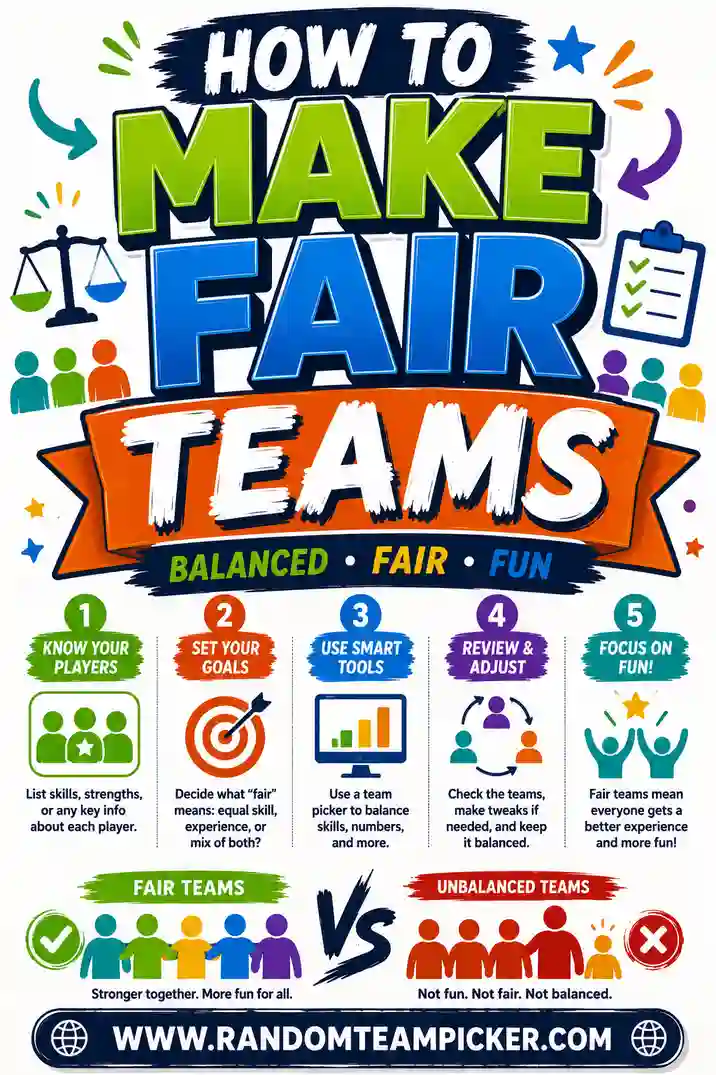
Grab your roster, open the free team generator, and you'll have fair, random summer camp teams ready before the game starts. It's free, there's no sign-up, and every shuffle gives you a fresh mix, so color war, field day, and cabin challenges all run smoothly. For bigger events, check out our tips on a team generator for large groups and how to make fair teams. Now go blow that whistle.