How to Assign Group Project Teams (Fair & Fast)
The fairest way to assign group project teams is to split your list of names randomly, then adjust for skills or balance only if the project truly needs it. Random assignment removes favoritism, mixes up the usual friend cliques, and takes seconds instead of the awkward "pick your own group" scramble. The quickest route is a free random team picker: paste your names, choose how many teams you want, and it deals everyone out evenly.
Want to skip straight to it? Open the free team picker, drop in your roster, and you'll have balanced groups before the bell rings. No sign-up, no spreadsheet formulas, no arguments over who's with whom.
Team 1
Team 2
Why Random Assignment Beats "Pick Your Own Group"
Letting students choose their own teammates feels kind, but it usually backfires. The confident kids grab their friends first, the quiet ones get left for last, and you end up with lopsided groups where one team has all the talkers and another has none.
Random assignment fixes that in one move. Everyone lands somewhere by chance, so nobody feels singled out and no one gets to hoard the "best" partners. It also nudges students to work with people outside their usual circle, which is half the point of group work in the first place.
There's a workplace version of this too. When you assign project teams at the office by drawing names, you sidestep the office-politics headache of who "gets" to work with whom.
The three things a good grouping method should do
- Be fair. No favorites, no hidden bias, no "you always pick him."
- Be fast. You shouldn't lose ten minutes of class or a meeting to it.
- Be transparent. When it's clearly random, people accept the result.
A random draw hits all three. That's why it's the default we recommend below.
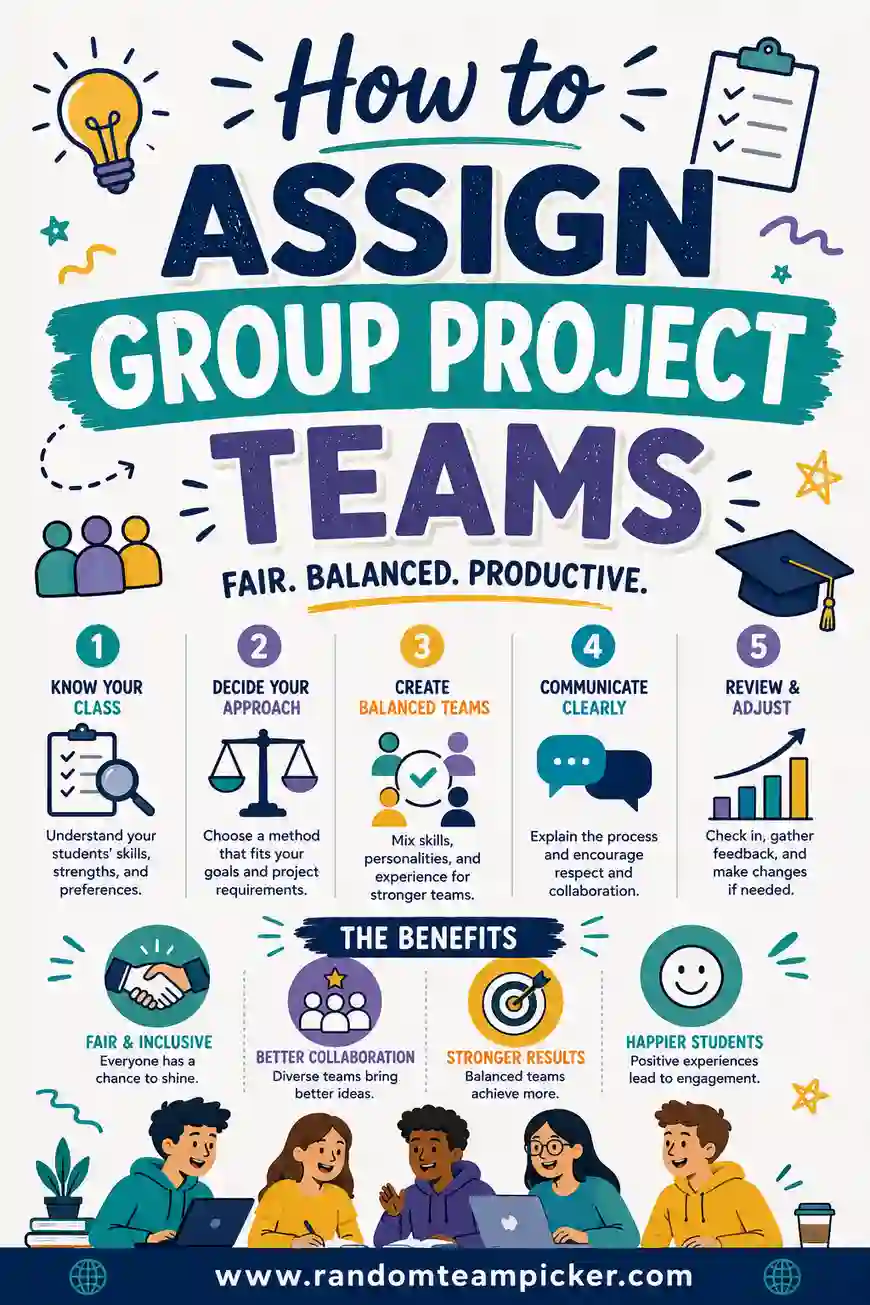
Step-by-Step: How to Assign Group Project Teams
Here's the whole process, start to finish. It works for a classroom, a training session, or a work project.
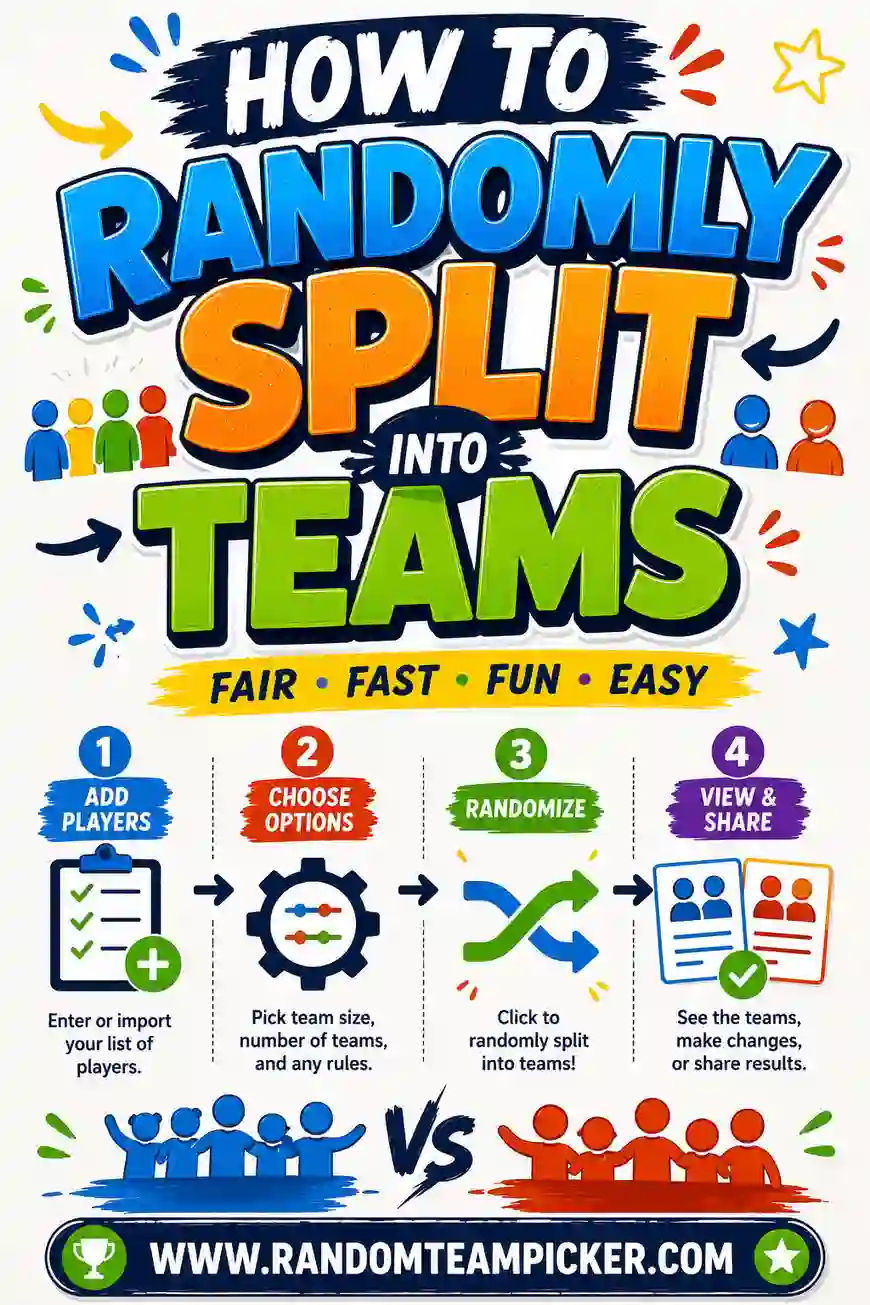
- Gather your names. Type or paste your full roster into one list, one name per line. Nicknames are fine as long as everyone knows who's who.
- Decide how many teams (or how big). Pick either the number of teams you want or the size of each group. More on the ideal size below.
- Shuffle and split. Drop the list into the team picker and let it deal everyone out evenly. Every run gives a fresh, unbiased result.
- Do a quick sanity check. Glance for any pairing that genuinely won't work (a known conflict, an accessibility need). Swap one or two people if you must, then leave the rest alone.
- Announce and assign roles. Post the groups, then have each team sort out who does what.
That's it. The whole thing takes under two minutes once your list is ready.
How Many Teams (and How Big) Should You Make?
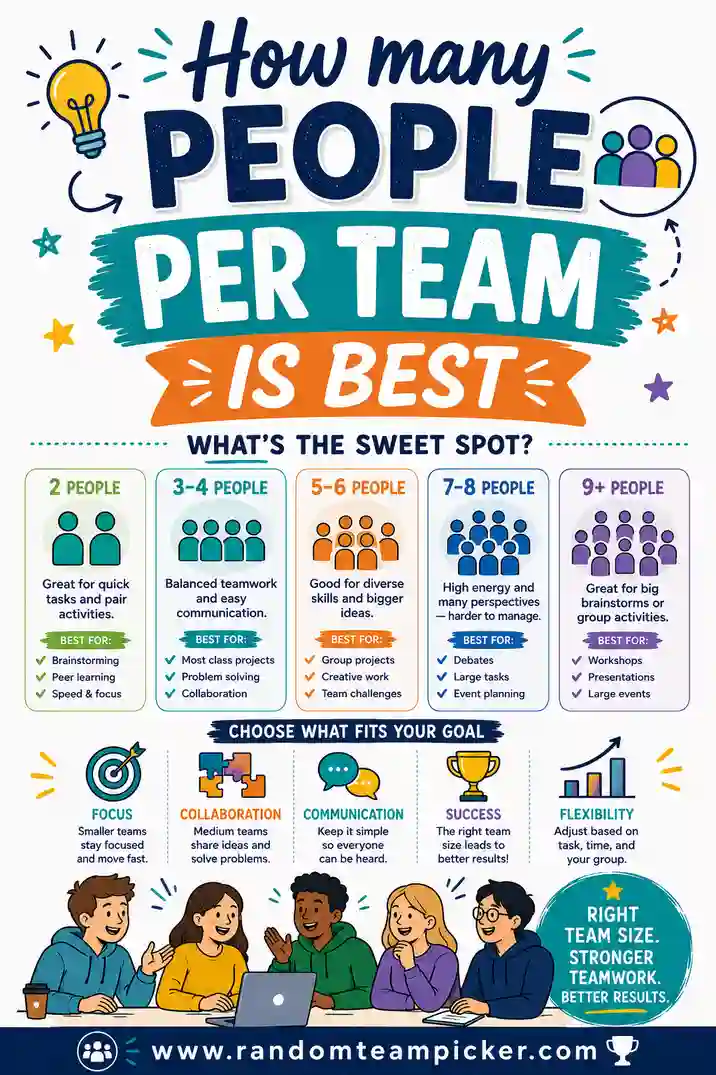
Team size shapes how the project actually goes. Too big and people coast; too small and the workload crushes them. Here's a quick guide to match group size to your project type.
| Project type | Ideal team size | Number of teams for 30 people |
|---|---|---|
| Quick in-class task (30 min) | 2–3 | 10–15 |
| Standard group assignment | 3–4 | 8–10 |
| Big multi-week project | 4–5 | 6–8 |
| Presentation / debate | 3–4 | 8–10 |
| Lab or hands-on build | 2–3 | 10–15 |
As a rule of thumb, four is the sweet spot for most graded projects. It's big enough to share the load and small enough that everyone has a real job. If you want the deeper reasoning, see our guide on how many people per team is best.
Dividing when the number doesn't split evenly
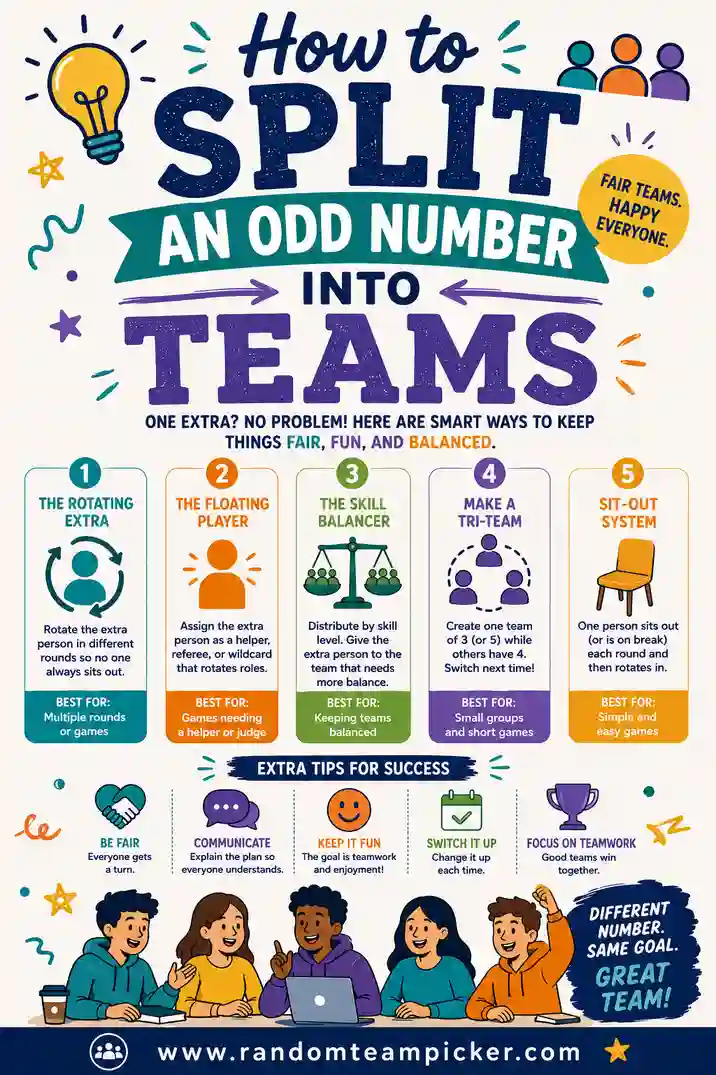
Real rosters rarely divide cleanly. Twenty-two students into groups of four leaves you with a remainder. The fix is simple: make most groups your target size and let one or two groups be a person larger or smaller. A good picker handles this automatically. If it's a recurring headache for you, our walkthrough on how to split an odd number into teams covers every case.
Grouping Methods: Random vs. Skill-Based vs. Mixed
Random isn't the only way to build teams, and it's worth knowing when another method fits better.
Pure random
Fastest and fairest. Best for low-stakes tasks, icebreakers, and anytime you want to break up cliques. This is the default for most classroom group work.
Skill-balanced
You sort students into rough tiers (strong, middle, developing) and deal one from each tier into every team. This spreads talent so no group is stacked. It takes a little prep, but it's worth it for big graded projects where balance matters.
A shortcut: run a random split first, then swap just a couple of names to even out the strong students. You keep most of the fairness of random while smoothing the extremes.
Interest or topic based
Let students pick a topic first, then group by who chose what. Great for research projects where motivation matters more than balance. The downside is uneven group sizes, so you may still need to shuffle the overflow.
Mixed approach
The one most experienced teachers land on: random by default, with a light human touch. Shuffle everyone, then make one or two deliberate swaps for known conflicts or specific needs. You get speed and fairness plus just enough control.
Assigning Roles Within Each Team
Splitting people into teams is only half the job. Groups run smoother when everyone has a clear role from day one. Assign these once the teams are set:
- Leader / coordinator. Keeps the group on track and on schedule.
- Recorder. Takes notes and pulls the final work together.
- Researcher(s). Digs up sources and facts.
- Presenter. Speaks for the group or organizes the final delivery.
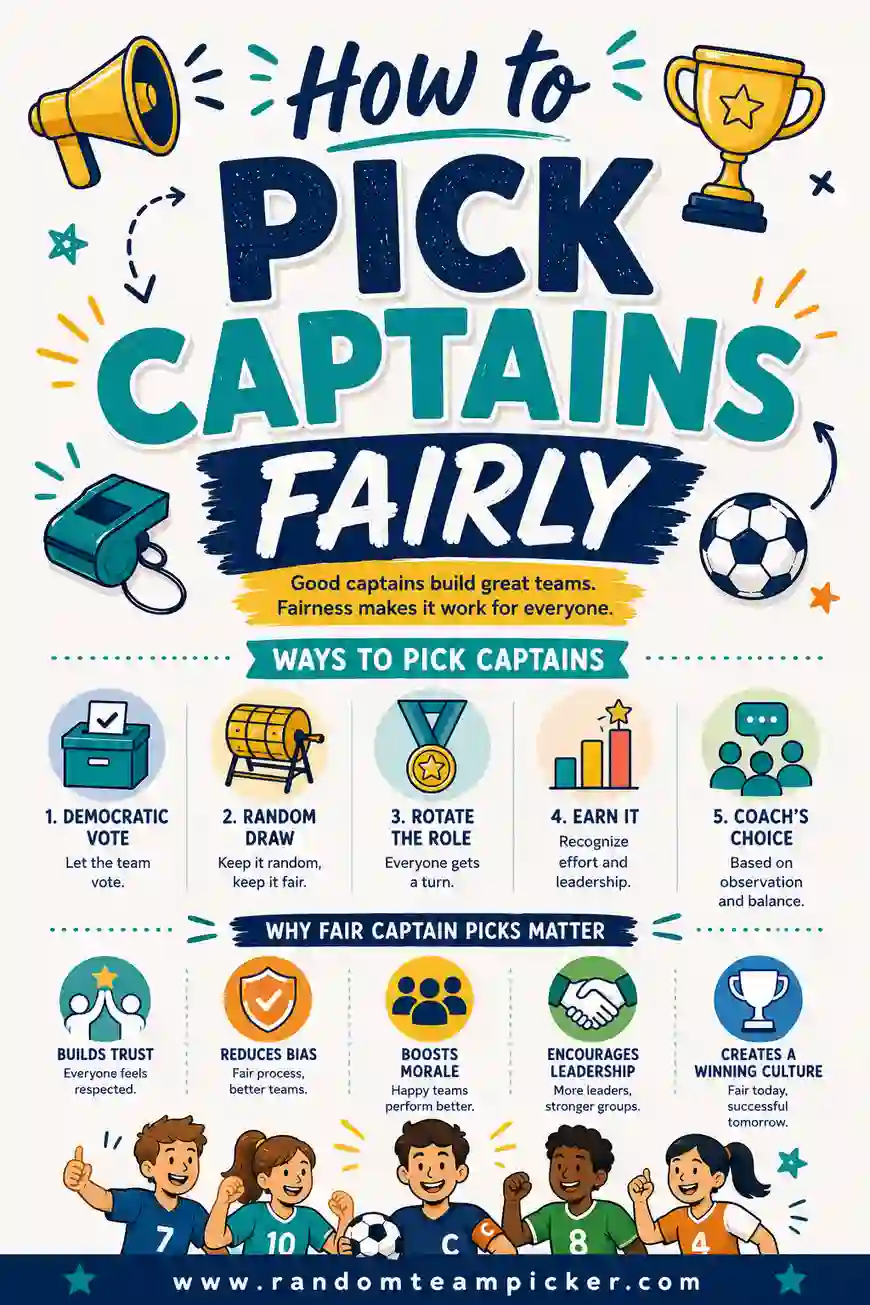
For smaller groups, people double up. In a team of three, one person can lead and present while the others research and record. If you'd rather not assign a formal leader, our guide on how to pick captains fairly shows a neutral way to choose one.
A quick way to hand out roles fairly
Don't want to decide roles yourself either? Run each small group through the team picker again with the role names as your "teams" of one, or simply have students draw slips. Randomizing roles keeps the same fairness you used to build the groups.
Common Mistakes to Avoid
A few small missteps cause most of the group-project drama. Sidestep these and you're set.
- Letting the loudest students self-select. It always produces uneven groups. Randomize instead.
- Making groups too big. Five is usually the ceiling. Past that, people disappear into the crowd and stop contributing.
- Ignoring known conflicts entirely. Random is fair, but if two students genuinely can't work together, quietly swap one. Fairness doesn't mean pretending problems don't exist.
- No roles, no plan. A team with no assigned jobs drifts. Hand out roles the same day you form the group.
- Re-shuffling until you "like" it. If you keep re-rolling to engineer a specific outcome, it's not random anymore. Trust the first fair split.
Handling Special Cases
Not every class or team is a clean slate. Here's how to deal with the usual curveballs.
Absent students. Assign teams from the full roster, then slot latecomers into the smallest groups when they show up.
Students with specific needs. If someone needs a particular partner or setup for accessibility, place them first, then randomize everyone else around them.
Repeat projects. Doing several group projects a term? Keep a simple record of who worked together, and re-run the shuffle each time so students rotate through new teammates. Fresh groups every project is one of the best things you can do for a class.
Very large classes. For 40-plus students, decide your group size first (say, four), and let the picker tell you how many teams you'll get. It's faster than counting heads.
Online and hybrid classes. Remote learners can be grouped exactly the same way. Paste the roster, shuffle, and post the groups to your learning platform. Then drop each team into its own breakout room or channel. Random assignment matters even more online, where students can't self-organize as easily and shy learners are quicker to fade into the background.
Group work across several weeks. For long projects, add a mid-point check-in where each group reports progress. This catches a struggling or lopsided team early, while there's still time to nudge a role or swap a member, rather than discovering the problem the night before it's due.
Making Groups Work After They're Formed
Assigning fair teams is the start, not the finish. A few habits keep those groups productive once they're together:
- Give a shared deadline map. Break the project into a couple of checkpoints so no team leaves everything to the last day.
- Build in individual accountability. A short "who did what" note at the end keeps every member honest, even inside a group grade.
- Leave room to raise problems privately. A quiet channel for "this teammate isn't showing up" lets you step in before resentment builds.
None of this takes long, and it turns a fairly-formed team into one that actually delivers.
Frequently Asked Questions
What is the fairest way to assign group project teams?
Random assignment is the fairest method for most projects. It removes favoritism and bias completely, and because it's obviously impartial, students accept the result. For high-stakes graded work, run a random split first, then make one or two swaps to balance skills.
How many students should be in each group project team?
Three to four works best for most graded projects. That's large enough to share the workload and small enough that everyone has a real job. Use two- to three-person teams for short in-class tasks and four to five for big multi-week projects.
How do I assign teams when my class doesn't divide evenly?
Make most groups your target size and let one or two groups have an extra member (or one fewer). A team picker does this automatically, spreading the leftover people so no single group is overloaded.
Should I let students pick their own groups?
Usually not. Self-selection produces lopsided teams and leaves quieter students out. Random assignment is fairer and faster. If you want students to have some say, let them pick a project topic and group by topic instead of by friendship.
Can I use a random team picker for work projects too?
Yes. The same approach works for office project teams, training breakouts, and workshops. Paste your list of coworkers, choose your number of teams, and let the tool deal everyone out. It sidesteps office politics and gets everyone working before the meeting stalls.
How do I make sure teams are balanced by skill?
Sort people into rough tiers first, then place one person from each tier into every team. A faster shortcut is to run a random split, then swap just a couple of names so no group ends up stacked with all the strongest members.
Ready to Split Your Class Into Fair Teams?
Grab your roster, open the free random team picker, and you'll have balanced group project teams in seconds. It's free, there's no sign-up, and every shuffle is genuinely random, so nobody can argue with the result. Spend your time on the project, not the sorting.
Working out other grouping questions? Take a look at how many people per team is best, how to split an odd number into teams, and how to pick captains fairly.