Random Name Picker: Draw Names From a Hat, Pick a Student, or Let It Decide
To pick a random name, type your list into the box below, one name per line, set Teams to the number of names and press Split into teams. Every name lands in its own numbered box, and the box marked "1st pick" is your winner. The boxes after it (2nd, 3rd, 4th) give you a fair order for everyone else, so you can keep picking without anyone going twice. It's drawing names from a hat, without the hat or the folded paper.
The same steps work for anything you can type: students to call on, family members for a gift swap, or choices like three dinner ideas or four weekend plans. Below you'll find how to pick with no repeats, how to call on students kindly, how to run a hat draw for gifts and turns, and how to use the picker as a simple decision maker for everyday choices.
Key facts
- The "1st pick" box is your random name; the rest is a no-repeat order.
- The box on this page orders up to 12 names at a time.
- For longer lists, the full picker with 1 person per team handles any size.
- Every name has the same chance of every spot, wherever it sits in your list.
- Choices work too: type options instead of names and the 1st pick decides.
🎲 Pick a random team
Choose a group, then spin. One for each player gives everyone in the names list below a different team.
👥 Random Team Picker: split your list into teams
The sample names are from this page. Replace them with yours, one per line or separated by commas.
The tool is a list splitter with numbered boxes. Delete the sample names and type or paste your own, one per line or separated by commas. Use the − and + buttons to set Teams to the number of names, up to 12. Press Split into teams: each name gets its own box, labeled 1st pick, 2nd, 3rd and so on. Read the 1st pick box for your winner. Press Shuffle again for a fresh draw, or Copy teams to save the order for later. If you want only one pick and a smaller list each time, delete the picked name from the box before you split again.
Quick reference: what to type and what to read
| You want | Type in the box | Read |
|---|---|---|
| One random name | Everyone's name | The 1st pick box |
| A full turn order | Everyone's name | 1st pick, 2nd, 3rd down the list |
| Two captains | Every player | 1st pick and 2nd |
| A decision | Your options | The 1st pick box |
| More than 12 names | Use the full picker | People per team set to 1 |
Pick one name in under a minute
Here's a worked example with a club of 12: Aiden, Bella, Carlos, Daisy, Ethan, Fatima, Gabe, Hana, Isaac, Jada, Kai and Lucy. Paste the 12 names into the box, set Teams to 12 and press Split into teams. If Hana lands in 1st pick, Hana gets the prize, reads first or chooses the snack. If you need a second winner, read the 2nd box. You never draw twice, so nobody can be picked again while others wait.
With fewer names, set Teams to match. Eight names means 8 teams. If you set Teams lower than the number of names, some boxes will hold two or more names, which is great for groups but not for a single pick. If your list is longer than 12, open the full Random Team Picker, choose people per team and set it to 1. Every name becomes its own team in a random order, for a list of any size.
Check for typos, so "Sam" and "Sam S." aren't counted as two people, and use first names or initials on a shared screen.
No repeats: pick the order, not one name at a time
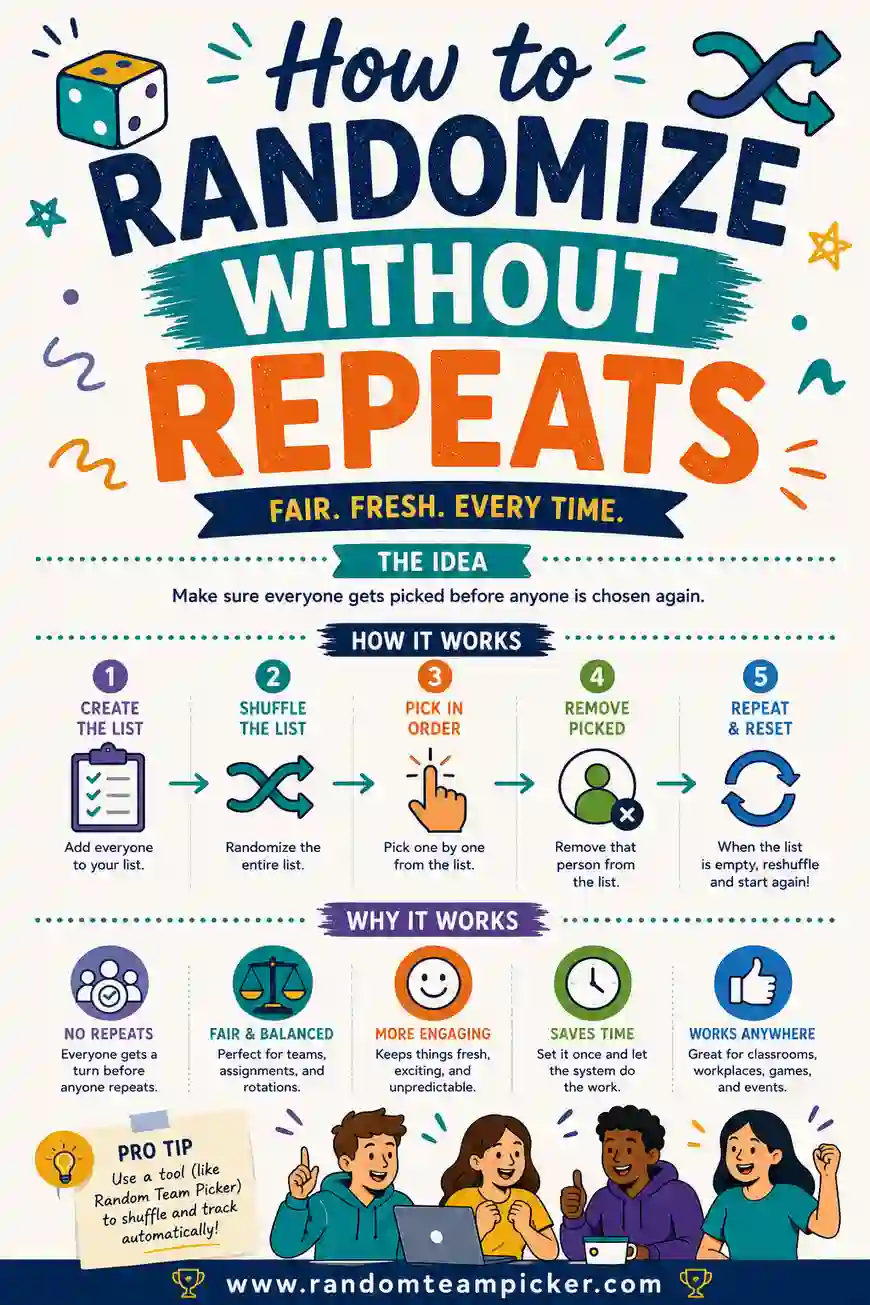
When you pick one name at a time from the full list, pure chance means some people get picked twice in a row and others not at all. The fix is to pick the whole order at once. Split into one box per name, then work down the boxes over the lesson, the week or the season. Nobody repeats until everyone has had a turn. When you reach the end, shuffle again for a new round.
There's a second way if you'd rather keep the suspense of a fresh draw each time: remove each picked name from the list before you split again. With 10 names, the first draw picks from 10, the next from 9, and so on, just like pulling papers out of a hat and setting them aside. Either way works, and our guide on how to randomize without repeats has a few more methods. For long lists of turns, the random order generator page goes into numbered lines in detail.
Calling on students without putting anyone on the spot
Random calling, sometimes called cold calling, keeps the whole room thinking instead of the same quick hands answering every time. Done kindly, it feels like a fair chance to share rather than a trap. The order matters: ask the question first, give 5 to 10 seconds of quiet think time, then pick the name. That way every student does the thinking, not just the one who's called.
Always offer a pass
I like to give every student a pass option, such as "phone a friend" or "come back to me," and then really come back. When a student says "I don't know," try offering two choices ("Is it A or B?"), let them ask a partner, or ask them to repeat or build on a classmate's answer a few minutes later. A quick turn-and-talk before you pick also lets students rehearse an answer with a partner first. Start with low-stakes questions, like opinions, predictions and favorite parts, and praise the thinking, not only the right answer.
Popsicle sticks or a screen?
The popsicle-stick method is a classroom favorite for good reason: write each name on a stick, keep them in a cup, and pull one. Students can see the cup, so it feels fair, and setting used sticks in a second cup gives you no repeats. The downsides are lost sticks, new students who need a new stick, and remembering which cup is which. The digital version gives you the same no-repeat order from a pasted class list, and you can show the shuffle on the board. Both work well, so use whichever fits your room.
For a class of 25, either paste the first half of the list and work down it, then paste the second half, or use the full picker with one person per team. Never use the picker to hand out consequences; keep it for chances to share. If a student is having a hard day, skip them quietly and check in later. For grouping students rather than calling on them, see the classroom team generator and the random team generator for teachers, and for line leaders and helpers, the classroom jobs list pairs well with a weekly draw.
Drawing names out of a hat for gifts, jobs and turns
Every family has a hat, a bowl or a jar for pulling names, and a hat draw is really just a random order revealed one piece at a time. For a paper draw, write each name on the same size slip, fold every slip the same way, and shake the hat well before each pull. Do the draw in front of everyone, and if someone is absent, still include their name and keep a note of who's next.
The online version skips the slips. Split your list into one box per name and reveal the boxes one by one: read each one aloud, or put it on a big screen and count down before pressing Shuffle again. Uses include gift swap turn order (who picks a wrapped present first), class jobs, chore draws, who reads next at story time and show-and-tell order.
One catch: a plain hat draw can give you your own name. That's fine for turn order, but not for a gift exchange where each person gives to someone else. For that, use a Secret Santa draw; our guide to a Secret Santa draw where couples can't draw each other shows how. If you only need to know who picks a gift first, the white elephant turn order page covers that.
Let it decide: using the picker for everyday choices
When nobody can choose, type the options instead of names. Say the family can't agree on dinner: type tacos, pasta, soup and pancakes, set Teams to 4 and press Split. The 1st pick is dinner, and the 2nd is your backup if you're missing an ingredient. The same works for what to watch, where to go this weekend, which chore to tackle first or which book to read next. For meal ideas you don't have to type yourself, what should I eat has a spinner ready, and the random activity generator covers games, chores and things to do.
A random pick also works as a gut check. The moment you see the result, you feel something. Relief means it was the right choice. A small letdown means you were secretly hoping for another option, and now you know which one.
For a group decision, I like a simple voting combo: everyone suggests one option, each person votes for two favorites, and the top three go into the picker. Agree before you split whether it's one pick or best two out of three. Keep this for small, low-stakes choices, though. Decisions about money, health, school or work deserve time, thought and a talk with people you trust.
Wheel, hat or list: which feels fairest?
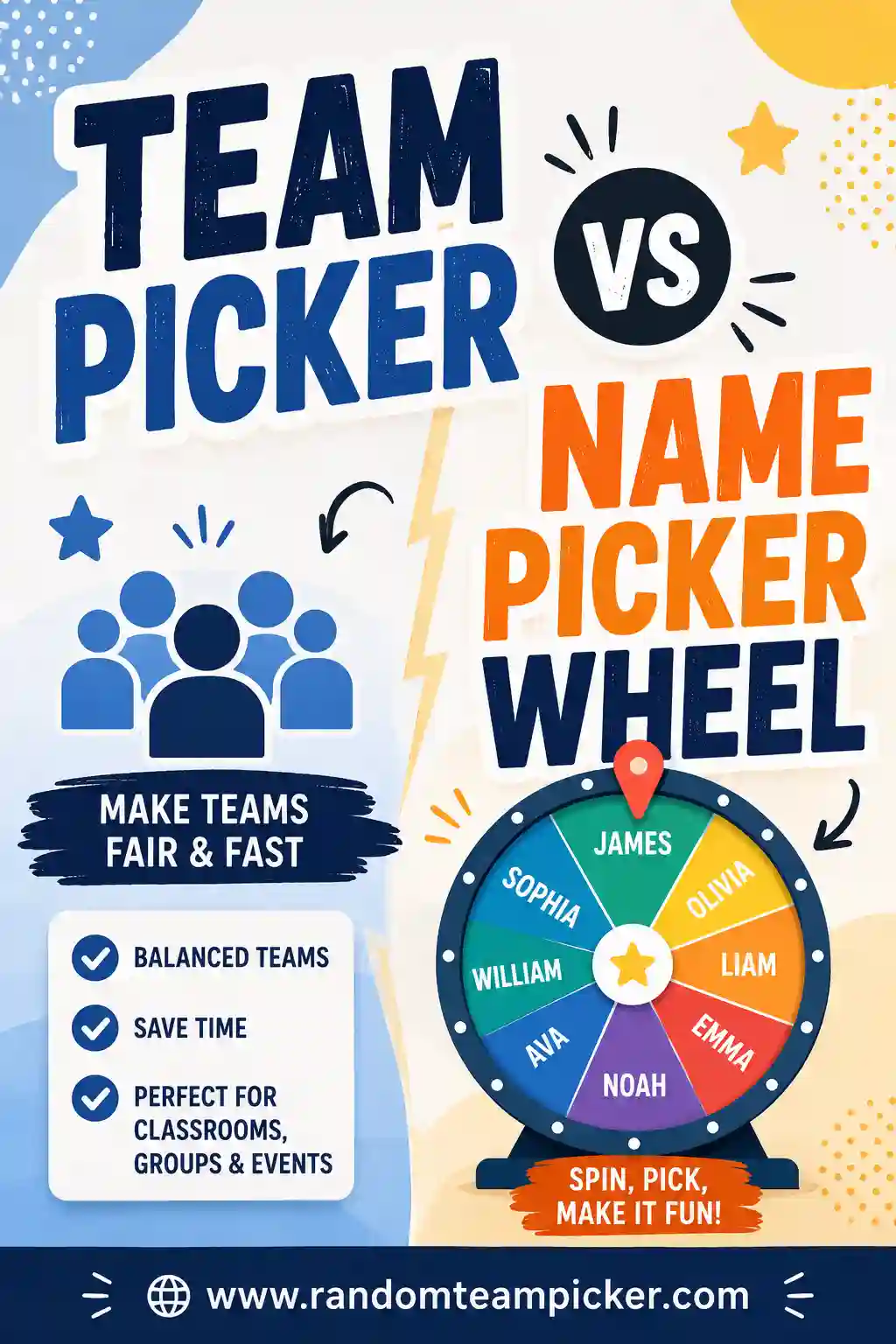
A spinning wheel is fun on a big screen, but a simple wheel can land on the same name twice in a row. A paper hat needs no screen, but slips stick together and people peek. Popsicle sticks are great in a classroom until they go missing. A shuffled list gives every name the same chance and a full no-repeat order in one press, though it has less drama. For a side-by-side look, read team picker vs. name picker wheel.
Mistakes that make a draw feel unfair
Most complaints about a name draw aren't about the randomness; they're about the setup. The biggest one is changing the rules after the result, such as deciding it's "best of three" once the wrong person wins. Settle one pick or a full order before you start. The second is a hidden draw: if only you can see the screen, people wonder. Share it or read it aloud. The third is a messy list, with a name spelled two ways or a child left off entirely, so read the list back before you press Split.
The last mistake is re-picking from the full list every time and ending up with the same few names. If fairness over time matters, as it does in a classroom or a chore rota, use the full order or remove names once they've been picked.
Ideas for clubs, teams and families
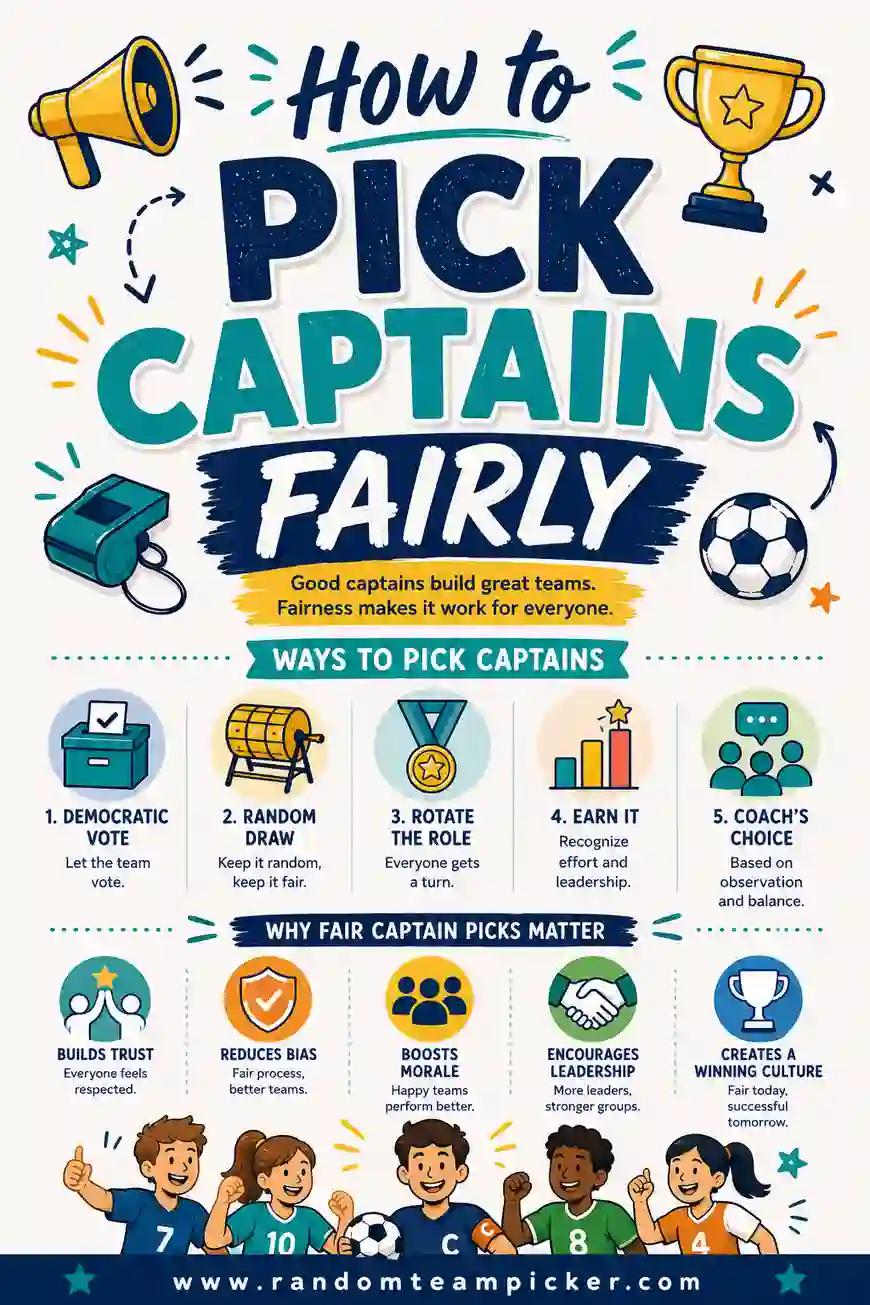
A name picker solves dozens of small "who's next?" questions. A book club can draw who picks the next book. A sports team can draw who brings snacks each week, or pick the first two names as captains; our guide on how to pick captains fairly has more ideas. An office can draw who leads the next standup, and a scout or youth group can choose who leads the opening activity. At home, the 1st pick can choose the movie, with the order rotating each week. For game nights, the who goes first generator adds a coin, a die and high card. And when you're ready to split the group into real teams, the Random Team Picker can balance by skill and keep friends apart.
Quick answers about picking a random name
How do I pick a random name from a list?
Paste the names into the box, one per line, set Teams to the number of names and press Split into teams. The box marked 1st pick is your random name. The boxes after it give a fair order for anyone else you need to pick, so you never have to draw twice.
How do I pick names with no repeats?
Pick the whole order at once and work down the boxes: nobody repeats until everyone has had a turn. Or, if you prefer a fresh draw each time, delete each picked name from the list before you split again, just like setting aside slips pulled from a hat.
How many names can the picker handle?
The box on this page orders up to 12 names. For a bigger list, open the full Random Team Picker and set people per team to 1. Every name becomes its own team in a random order, whatever the size of the list.
Is a random name picker fair?
Yes. Every name has the same chance of landing in any spot, no matter where it sits in your list. What sometimes feels unfair is a streak, when the same person comes up twice by chance. Using the full order instead of re-picking prevents that.
How do I draw names out of a hat online?
Split your list into one box per name and reveal the boxes one at a time, reading each aloud or scrolling slowly on a shared screen. It works just like pulling papers from a hat, without slips that stick together or anyone peeking.
Is cold calling fair to shy students?
It can be, when it's done kindly. Ask the question before you pick, give think time, let students talk to a partner first, and always allow a pass with a promise to come back. Start with low-stakes questions and praise the thinking, not only right answers.
Can I use it to make a decision?
Yes, for everyday choices. Type your options instead of names, set Teams to the number of options and split. The 1st pick is your decision, and the 2nd is a backup. Keep big decisions about money, health, school or work for careful thought and trusted advice.
What if someone draws their own name in a gift exchange?
A plain hat draw can do that, which is fine for turn order but not for giving gifts. For an exchange where everyone gives to someone else, use a Secret Santa style draw instead, which also lets you keep couples or housemates from drawing each other.