Random Pair Generator: Split Any List Into Fair Random Partners
To make random pairs, paste your names into the tool below, set the number of teams to half your headcount and press "Split into teams." Every team is a pair. If you have an odd number of people, round half down, and the tool makes one group of three so nobody is left alone. Press "Shuffle again" whenever you want new partners.
Random partners are quick, fair and kind. Nobody stands around waiting to be chosen, best friends do not automatically pair up, and you never have to explain why you put two people together. This guide covers partner work in class, buddy systems for trips and swimming, study partners and pair programming, what to do with odd numbers, and how to rotate partners so people work with someone new each time.
Key facts
- Set teams to half your headcount to get pairs.
- Odd number? Round down and one group becomes a trio.
- The tool on this page makes up to 12 pairs at once.
- A full rotation of 8 people takes 7 rounds with no repeats.
- The full picker can avoid repeat pairings and keep people apart.
🎲 Pick a random team
Choose a group, then spin. One for each player gives everyone in the names list below a different team.
👥 Random Team Picker: split your list into teams
The sample names are from this page. Replace them with yours, one per line or separated by commas.
The tool starts with a sample class of 13 split into 6 teams, which gives five pairs and one trio. Replace the names with your own, one per line or separated by commas. Use the minus and plus buttons to set the number of teams to half your headcount, from 2 up to 12 teams, then press "Split into teams." Press "Copy teams" to paste the pairs onto a slide or into a chat. For more than 25 people, or to keep two people from being paired, press "Open in the full team picker." It opens the same split in a new tab, where you can set people per team to 2 for any size list, add keep-apart rules, avoid repeat pairings, and print or share the pairs.
Quick reference: how many teams to set
| Names | Set teams to | You get |
|---|---|---|
| 10 | 5 | 5 pairs |
| 13 | 6 | 5 pairs, 1 trio |
| 16 | 8 | 8 pairs |
| 21 | 10 | 9 pairs, 1 trio |
| 24 | 12 | 12 pairs |
| 25 | 12 | 11 pairs, 1 trio |
Partner work in the classroom
Pairs are the workhorse of active classrooms. In think-pair-share, students think alone for a minute, talk it through with a partner, then share with the class. Everyone gets to speak, not just the few who put their hands up. Buddy reading gives two students one book to take turns with, and peer editing lets partners swap drafts and check each other's work against a short list. Lab partners, flashcard practice and spelling checks all work the same way.
Random partners make all of these smoother. Students get used to working with anyone in the room, which helps the whole class get along. It also saves time. Shuffling desks and negotiating who works with whom can eat five minutes; a split takes ten seconds. I like to show the pairs on the board and ask partners to stand together before moving, so nobody is left wandering. If you seat students in pairs already, our page on classroom seating arrangements has layouts that make partner talk easy.
An odd number? Make one trio
Odd numbers are the most common snag with pairs, and the simplest fix is one group of three. Set the number of teams to half your headcount, rounded down. With 13 names, set 6 teams; with 21 names, set 10. The tool makes the right number of pairs and puts the extra person into one group, so you get a trio and nobody works alone.
There are two other good options. The teacher or leader can partner with the extra person, which works well for reading practice or a drill where you want to listen in. Or one person can be a "floater" who joins a different pair each round to help or observe. For activities that only work in twos, such as some partner games, a trio can take turns, with one person sitting out for one go and swapping in for the next. Our guide on how to split an odd number into teams has more ideas.
Rotating partners without repeats
If you make pairs every week, sooner or later the same two people land together again, and they will tell you about it. There are three ways to keep partners fresh, from quick to thorough.
The quick way is to shuffle, compare against last time, and shuffle again if a pair repeats. With a class of 20 or more, a couple of shuffles usually gives you all-new partners. The easier way is the full Random Team Picker, which can avoid repeat pairings for you when you reshuffle, so you do not have to check by hand.
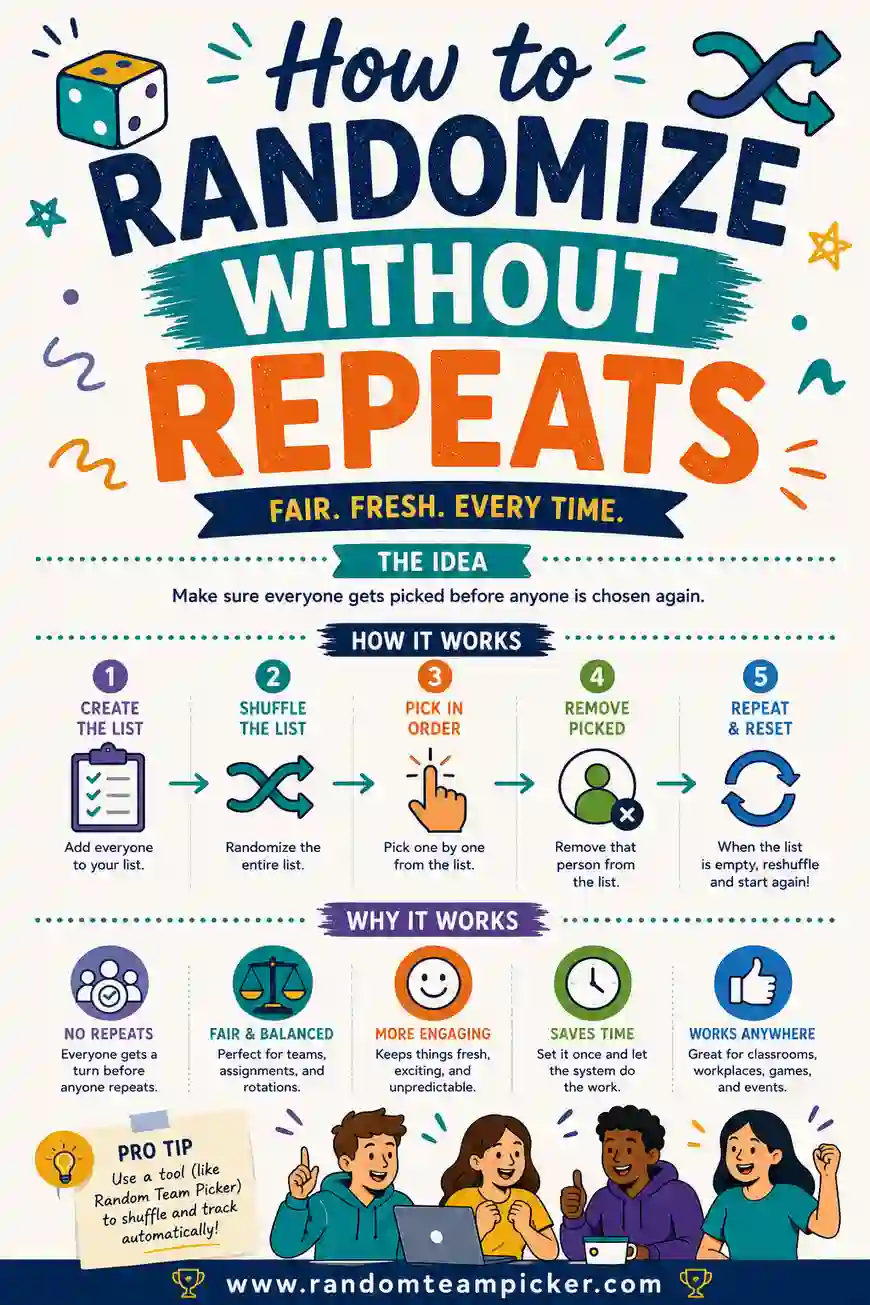
The thorough way, if you want everyone to work with everyone exactly once, is a round-robin rotation, often called the circle method. Put one name in a fixed spot. Arrange everyone else in two facing rows, so each person faces their partner. After each round, the fixed person stays put and everyone else moves one place around the loop. With an even number of people, N, it takes N minus 1 rounds for everyone to partner everyone once. Eight people need 7 rounds; twenty people need 19. With an odd number, add a "free" spot; whoever is opposite it joins a pair as a trio that round. Our guide on how to randomize without repeats walks through it step by step.
A worked example: weekly reading partners for 25 students
Say you teach 25 students and want new reading partners every Monday for a ten-week term. Twenty-five is odd, so set 12 teams. The tool gives you 11 pairs and one trio. Copy the pairs, post them on the board and keep a copy in your planning notes.
Next Monday, shuffle again. Glance at last week's list. If a pair repeats, shuffle once more. After a few weeks, checking by hand gets slow, so this is a good point to move to the full team picker with avoid repeat pairings switched on. With 25 students, each person has 24 possible partners, so ten weeks of new partners is very achievable. Do not forget the trio. Make a note of who was in it and try not to put the same student in the trio twice in a row, since some students find a three harder than a pair.
Buddy systems for trips, swimming and new students
A buddy system means each person has one partner they stay with and check on. It is a simple, widely used safety habit for field trips, swimming sessions, camps and busy outings. Random buddies spread friendships around and stop the same few children being left to pair with an adult.
For safety use, a few habits matter more than the pairing method. Make the pairs before you leave, and write them down. Teach buddies to stay within arm's reach in crowds, and to tell an adult right away if their buddy is missing. Do regular "buddy checks," where you call out and every pair holds up their joined hands. A trio is fine for a buddy group, too. For younger children, pair them with care: two very young or two very excitable children together may need an adult nearby. For bigger outdoor events, see our team generator for kids' games.
Buddies also help new students. A random welcome buddy for the first week shows a newcomer around, sits with them at lunch and explains routines. Choosing at random takes the pressure off any one student being "the helper" every time.
Study partners and pair programming
Older students and adults use pairs for study and practice. Study partners can quiz each other, compare notes and explain ideas out loud, which is one of the best ways to find out what you do not yet understand. Random pairing stops two strong students from always teaming up while others struggle alone.
Pair programming is a common practice in coding classes and software teams. One person, the driver, types the code. The other, the navigator, reviews each line, thinks ahead and spots mistakes. They swap roles every so often, often every 15 to 30 minutes. Random pairs help a class or team share knowledge, since everyone works with different people over time. If skill levels vary a lot, the full tool can balance by skill rating, which helps avoid two beginners stuck together. Our page on group work roles has more ideas for giving each partner a clear job.
Pairs at work, clubs and at home
At work, random pairs are great for short get-to-know-you chats between people on different teams, mentoring or buddy programs for new hires, and practice runs for presentations. In clubs and churches, they work for secret pals and kindness buddies. In sports and games, they set up doubles for tennis, pickleball, cornhole or table games, and partners for three-legged races. At home, pair children up as chore buddies for the weekend. Need a bigger split instead? Set teams to 2 for two halves, as our team generator for two-team splits explains.
Keeping certain people apart
Sometimes two people should not be partners: siblings in the same class, best friends who never get work done, or two students who are still learning to get along. On this page, the quickest fix is to split, check the pairs and shuffle again if a pair will not work. With most groups, one or two shuffles is enough.
If the same pairs need keeping apart every time, use the keep-apart rule in the full team picker. Name the pair once and it will never put them together. The same idea is used for gift draws, and our guide to a Secret Santa draw that keeps couples apart shows another example. Keep the list of rules short so the pairs still feel random.
When a pair is not working
Random pairing is fair, but not every pair clicks. For a short task, encourage them to stick with it. Learning to work with someone you would not have chosen is part of the point. For a longer task, check in early. Give the pair a clear structure, like taking turns to speak or swapping roles halfway. If a pair truly is not working, swap them quietly at the next natural break rather than mid-task. For more classroom setups, see random team generator for teachers and team generator for classrooms.
Quick answers about random pairs
How do I make random pairs from a list of names?
Paste the names into the tool, set the number of teams to half your headcount and press "Split into teams." Each team is a pair. Press "Shuffle again" for a new set, and "Copy teams" to share the pairs on a slide, a board or in a chat.
What happens with an odd number of people?
Set the number of teams to half your headcount, rounded down. With 13 names and 6 teams, you get five pairs and one trio. Nobody is left alone. You can also partner the extra person with the teacher, or use a floater who joins a different pair each round.
How do I pair students without repeats?
Keep a copy of each week's pairs and shuffle again if a pair repeats. The full team picker can avoid repeat pairings for you. For a complete rotation where everyone partners everyone once, use the circle method: N people take N minus 1 rounds.
How many pairs can the tool make?
The tool on this page makes up to 12 teams, which is 12 pairs for 24 names or 11 pairs and a trio for 25. For bigger groups, open the full team picker and set people per team to 2, which makes pairs from a much longer list in one go.
Can I stop two people from being paired?
Yes. On this page, check the pairs and shuffle again if a pair will not work. In the full team picker, add a keep-apart rule for the two names and they will never be paired. Keep the rules to a few so the pairs still feel random.
What is a buddy system?
A buddy system gives each person one partner to stay with and check on, often used on field trips, at the pool and at camps. Make pairs in advance, write them down, and run regular buddy checks where every pair shows they are together.
How do I pick who goes first in each pair?
For partner reading or a driver-and-navigator task, let the person whose name appears first in the pair start, then swap halfway. To order the pairs themselves, for example for presentations, use the random order generator.
Is random pairing better than letting students choose?
For most tasks, yes. When students choose, best friends pair up and the same few are left waiting. Random partners are quick, look fair, and help everyone work with more classmates. You can still let students choose now and then as a treat.