Station Rotation Generator: Random Station Groups and a Rotation Plan That Works
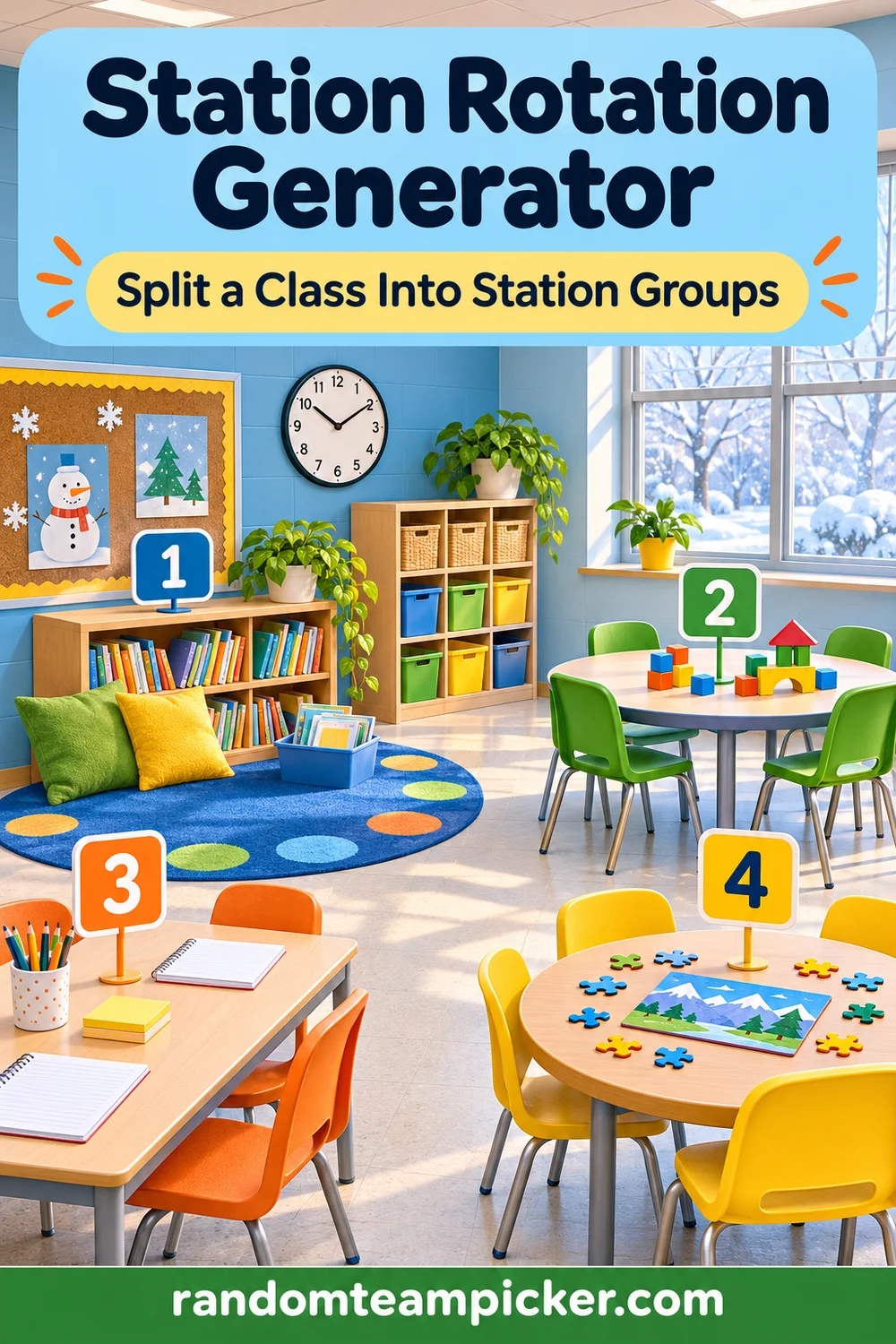
To run a station rotation, split your class into as many random groups as you have stations, start each group at a different station, and move every group to the next station number when the timer goes. The group at the last station moves to Station 1. After as many rounds as there are stations, every group has visited every station once and no two groups were ever at the same station at the same time.
The generator on this page does the first part for you: it splits your list into groups and labels each one with its starting station. The rest of this guide covers everything else you need to run stations smoothly in a classroom, a PE lesson or a party: how many stations to set up for your group size, how long each round should last, simple signals for moving, a worked example with 28 students and 5 stations, what to do when the groups come out uneven, and station ideas by subject.
Key facts
- One group per station, one station per group, every round.
- Groups of 4 to 6 work well at most stations.
- Plan 10 to 20 minutes per station, plus about a minute to move.
- Rotate in number order: 1 to 2, 2 to 3, last back to 1.
- Re-split groups every few weeks to mix the class.
🎲 Pick a random team
Choose a group, then spin. One for each player gives everyone in the names list below a different team.
👥 Random Team Picker: split your list into teams
The sample names are from this page. Replace them with yours, one per line or separated by commas.
Replace the twelve sample names with your class list, one per line or separated by commas. Use the minus and plus buttons to set the number of teams to your number of stations, then press "Split into teams." Each group comes out labeled Station 1, Station 2, Station 3 and so on, up to Station 6. That label is where the group starts. Press "Shuffle again" for a different mix, and "Copy teams" to paste the groups onto a slide or your board notes. If you need to keep two students apart, balance groups by reading level or skill, or print the list, press "Open in the full team picker" to carry the same groups into the full tool in a new tab.
Quick reference: stations and group sizes
| Class size | Stations | Group size |
|---|---|---|
| 12 to 16 | 3 or 4 | 4 |
| 20 to 24 | 4 or 5 | 4 to 6 |
| 25 to 30 | 5 or 6 | 5 to 6 |
| 31 to 36 | 6 | 5 to 6 |
How the rotation itself works
The simplest rotation rule is the one every student can remember: add one. The group at Station 1 moves to Station 2, the group at Station 2 moves to Station 3, and the group at the highest-numbered station wraps around to Station 1. Because every group starts at a different station and they all move together in the same direction, two groups never land on the same station. After the last round, each group has done every station exactly once.
This works for any number of stations, so you do not need a separate chart for 3, 4, 5 or 6. For younger children, set the stations in a circle and always move clockwise, so the rule is visible without a chart.
Choosing how many stations to set up
Start from your group size, not from the number of activities you would like to run. Groups of 4 to 6 work well at most stations: small enough that everyone gets hands on the materials, big enough that the group can help each other. Divide your class size by your ideal group size and you have your number of stations. Twenty-four students in groups of 4 means 6 stations. Twenty-four students in groups of 6 means 4 stations.
Then check the time. More stations means more rounds, and more rounds means a longer block. Six stations at 12 minutes each, plus moving time, is well over an hour. If your period is 45 minutes, four stations at about 10 minutes each is more realistic. You can also spread a rotation over two days, running half the stations on Monday and the other half on Tuesday. Our guide on how to divide a class into groups explains the math for any class size, and how many people per team is best covers group size in more depth.
Timing each round
Many teachers use 10 to 20 minutes per station. Younger children and simple tasks suit the shorter end. Older students working on a lab or a writing task suit the longer end. The key is that every station should take about the same time, because the whole class moves together. If one station is a quick worksheet and another is a long experiment, the quick group will be waiting and the slow group will be rushed.
Build in moving time too. A tidy transition takes about one minute once students know the routine, and closer to two or three in the first week. A simple formula keeps planning honest: number of stations times minutes per station, plus number of moves times minutes per move, plus a few minutes to start and finish. Give a one-minute warning before each move so groups can finish a sentence and tidy the table. Always give each station a short "if you finish early" task so a fast group has something useful to do while the timer runs.
Signals for moving between stations
A clear signal saves more time than any other part of the plan. Pick one and use it every time. A chime, a hand bell, a short piece of music that stops, a call-and-response phrase, or a large countdown timer on the board all work. In a gym, a whistle or a raised hand with a count of five is easier to hear than a voice.
Teach a short routine to go with the signal. Something like: stop, tidy, stand, point to the next station, walk. The pointing step is surprisingly useful, because it lets you see in one glance whether every group knows where it is going before anyone moves. Ask one person in each group to check the station is tidy for the next group, and rotate that job each round.
A worked example: 28 students and 5 stations
Say you teach 28 students and you have a 60-minute block for a math rotation. You set up five stations: a teacher table, practice problems, a math game, hands-on blocks and a short reflection. You type the class list into the tool, set five teams and press split. Twenty-eight divided by five is 5 with 3 left over, so the tool makes three groups of 6 and two groups of 5. Each group is labeled with its starting station.
For timing, you choose 10-minute rounds. Five rounds is 50 minutes. Four moves at about a minute each is 4 more, which leaves 6 minutes to explain the plan at the start and gather everyone at the end. It fits. You post the grid below on the board, give the one-minute warning at the 9-minute mark of each round, and use a chime to move.
| Group | Round 1 | Round 2 | Round 3 | Round 4 | Round 5 |
|---|---|---|---|---|---|
| Station 1 group | 1 | 2 | 3 | 4 | 5 |
| Station 2 group | 2 | 3 | 4 | 5 | 1 |
| Station 3 group | 3 | 4 | 5 | 1 | 2 |
| Station 4 group | 4 | 5 | 1 | 2 | 3 |
| Station 5 group | 5 | 1 | 2 | 3 | 4 |
One tip for this setup: the teacher table works best with a smaller group, so if you can, put a group of 5 there first. Since every group visits every station, everyone gets their turn at the teacher table, and you get five focused ten-minute sessions in one lesson.
Uneven groups, absences and extra groups
Class sizes rarely divide evenly, and that is fine for stations. The generator spreads names so group sizes never differ by more than one, as in the example above. Make sure every station has enough materials for the largest group, and a one-person difference will hardly be noticed.
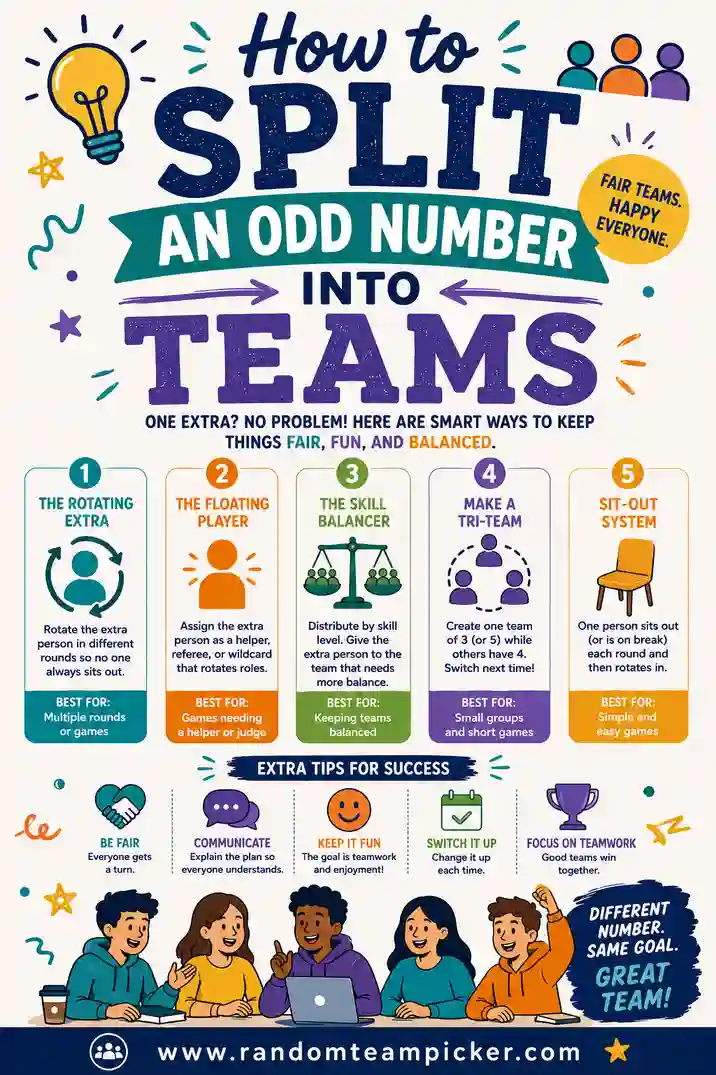
Absences are easy too. A group of 6 with one student away simply works as a group of 5. If several students from the same group are out and you are left with a group of 2, fold those two into the next smallest group for the day rather than re-splitting the whole class. Re-splitting mid-week breaks the routine everyone has just learned. For more ideas, see how to split an odd number into teams.
Sometimes you have more groups than stations, for example seven groups and six stations. Add a simple independent station, such as silent reading, a puzzle or a classroom job, so there is one station per group. Avoid putting two groups at one station unless it has double the materials and space, because it breaks the "one group per station" rule and makes the rotation hard to follow.
Station ideas by subject
Reading and writing
A classic literacy rotation has a teacher-led guided reading group, independent reading, word work with letter tiles or spelling practice, a listening station with an audio book, and a writing task with a picture prompt. Keep each task self-explaining, with a picture or a short card, so you can stay with your teacher group without interruptions.
Math
Good math stations include a teacher table for new skills, a practice sheet, a math game with dice or cards, a hands-on station with blocks or measuring tools, and a reflection station where students explain one answer in words. A fluency station with flashcards or a timed fact sheet suits younger grades.
Science
Science rotations work well for a single topic seen from several angles: a short hands-on experiment, a reading card, a labeled diagram to complete, a vocabulary match and a quick check quiz. Put the experiment at the station with the most space and the easiest cleanup.
PE and field days
In a gym or on a field, stations might be skipping, beanbag toss into hoops, dribbling around cones, a balance line, and a simple fitness station like step-ups or jumping jacks. Keep rounds shorter, around 4 to 6 minutes, and use a whistle for moving. Our team generator for sports and PE and field day team generator pages cover bigger outdoor setups.
Class parties
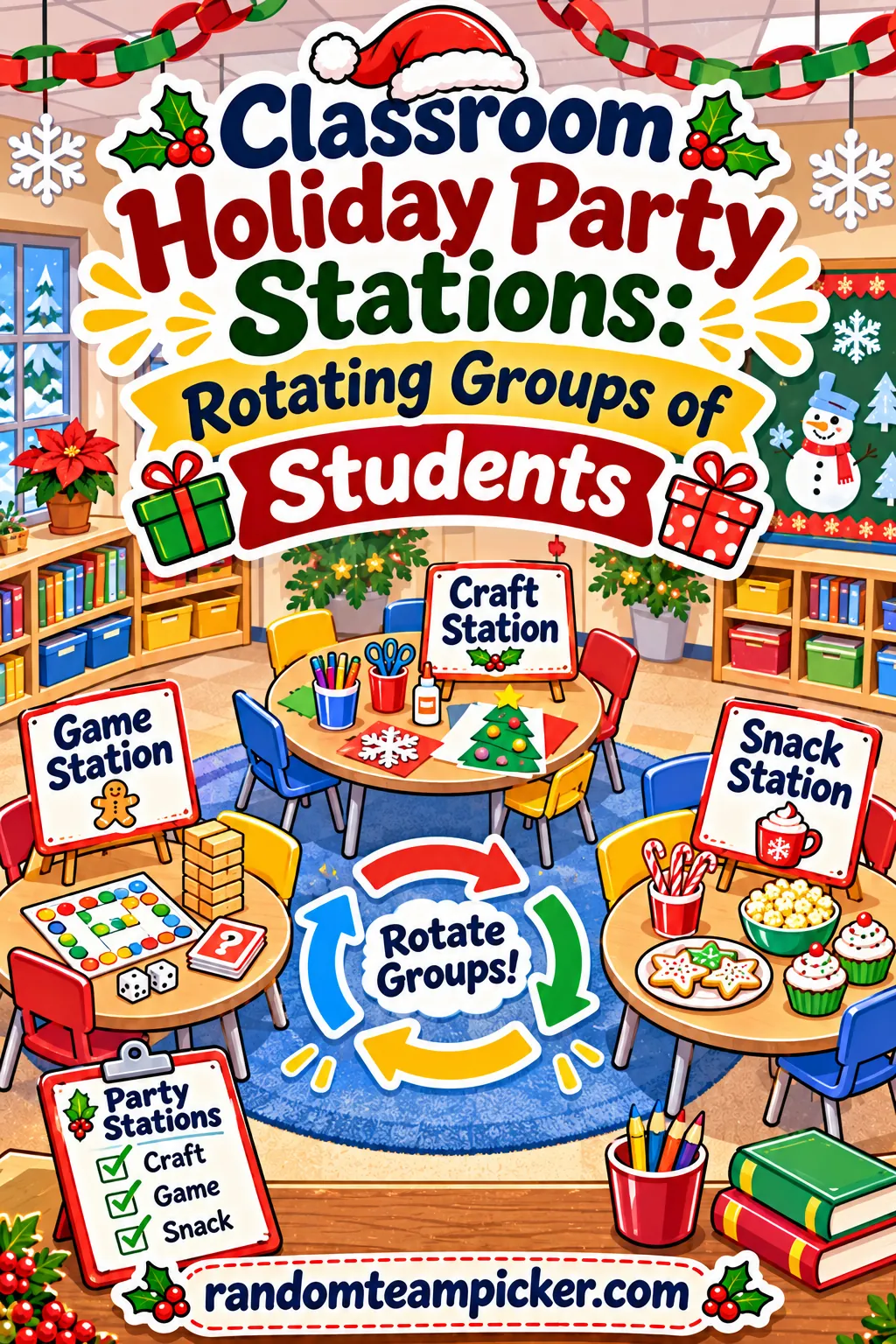
Party stations might be a craft, a game, a story corner, a snack table and a photo spot. Rounds of 8 to 12 minutes keep energy up. You can borrow a ready plan from classroom holiday party stations or Valentine's party stations.
Teaching the routine the first time
The first rotation is mostly about the routine, not the content. Run it with very simple tasks, such as coloring, a short puzzle or a picture book, so students can focus on where to go and how to move. Walk the path together once, then practice the signal and the moving routine two or three times. It feels slow, but it pays back every week after.
Give each group a leader for the round, and rotate that role so it does not always fall to the same confident student. Our page on group work roles has simple role cards if you want to add a materials manager and a timekeeper as well.
Keeping station groups fresh
Random groups are fair, but no group should last forever. Re-split every few weeks, or at the start of a new unit, so students work with more classmates. If you use the same station setup all term, run the generator again and post the new groups on a Monday. The full Random Team Picker can avoid repeat pairings, balance groups by skill and keep certain students apart. For a wider view, read classroom grouping strategies or the team generator for classrooms guide.
Quick answers about station rotations
What is a station rotation?
It is a lesson setup where the class works in small groups that move between several stations, each with a different task, in a set order. Every group visits every station once. It lets a teacher run a small focused group while the rest of the class works independently on other activities.
How do I make station groups?
Type your class list into the tool, set the number of teams to your number of stations and press "Split into teams." Each group is labeled with its starting station, from Station 1 upward. Then rotate every group to the next station number each round, with the last station wrapping back to Station 1.
How long should each station last?
Many teachers use 10 to 20 minutes per station in a classroom, shorter for younger children and longer for labs or writing. PE stations often run 4 to 6 minutes. Add about a minute for each move, and make every station take roughly the same time so no group waits.
How many stations should I have?
Divide your class size by your ideal group size of 4 to 6. That gives most classes 4 to 6 stations. Then check that stations times minutes per station, plus moving time, fits your block. If it does not, use fewer stations or spread the rotation over two days.
What if one group is bigger than the others?
That is normal when the class does not divide evenly, and sizes will only differ by one. Make sure each station has enough materials for the largest group. If one station needs a small group, such as a teacher table, put a smaller group there first.
What signal should I use to rotate?
Any clear signal works if you use it every time: a chime, a bell, music that stops, a countdown timer or a call-and-response phrase. Pair it with a one-minute warning and a short routine like stop, tidy, stand, point to the next station, and walk.
How often should I change station groups?
Every few weeks, or at the start of each new unit, is a good rhythm. It keeps groups fresh and helps students work with more classmates. Keep the same groups for a whole week once a routine is running, and avoid re-splitting mid-week.
Can I use this for more than six stations?
The tool on this page labels groups Station 1 to Station 6, which covers most rooms. For more stations, open the full team picker, split into the number of groups you need and number the groups yourself in the same order.